Location-Based Coordination: What to Look for in an AI Task Automation Tool
Your field team is scattered across town, and you're still chasing attendance confirmations and manual status updates in separate apps. That friction is exactly why location-based coordination tools are replacing spreadsheets and group chats. By the end of this guide, you'll know which AI task automation features actually solve field visibility problems, and you'll have a clear #1 pick to test with your crew.
We break down the five key capabilities to compare, from geofencing to face-verified check-ins, then rank the top five tools including Tasks.Bot, which handles assignments directly inside WhatsApp. You'll also get a practical checklist for matching each platform's strengths to your team's daily dispatch routine.
What to Look For in an AI Task Automation Tool for Location-Based Coordination
When evaluating AI task automation tools for location-based coordination, focus on three core capabilities: real-time GPS tracking, geofencing, and attendance verification. These features form the backbone of any serious mobile workforce management platform.
Field teams operate across dispersed sites, often without direct supervision. Without reliable location intelligence, managers lose visibility into where work happens and whether it gets completed on time. The right tool turns raw geospatial data into context-aware automation that reduces manual oversight.
The three features below matter most for teams that move between customer sites, construction zones, or service territories. Each one addresses a different pain point, from scheduling accuracy to payroll integrity to dispatch efficiency. Together, they create a complete location-aware workflow for field service automation.
Real-Time GPS Tracking and Geofencing
Look for tools that offer configurable geofence radii and real-time GPS updates. This combination ensures that location data is both precise and flexible enough for different site types.
Ask vendors directly about their trigger conditions. The best tools let you automate task scheduling when a team member enters or exits a defined zone. For example, a technician crossing a geofence boundary could automatically trigger a job start notification or a customer arrival alert.
Battery efficiency matters just as much as accuracy. Continuous background location access can drain devices quickly. Look for tools that balance update frequency with power consumption, using adaptive intervals when a worker is stationary.
Use this checklist when comparing vendors:
- Can I set different geofence radii for different sites?
- How often is location data refreshed in the dashboard?
- Does the tool support indoor positioning via Wi-Fi triangulation or beacon detection?
- What happens to GPS triggers when the app runs in the background?
- Is there a manual override for inaccurate location readings?
Testing these details before purchase prevents costly surprises. A tool that drains batteries or misses geofence boundaries will frustrate your team and undermine adoption.
Attendance Verification for Field Teams
For field teams, attendance verification should combine geofencing with additional checks like photo capture or facial recognition to prevent buddy punching. This layered approach confirms that the right person is at the right place at the right time.
Time stamps paired with geofence data create a reliable record for payroll. Managers can see exactly when a worker arrived on site and when they left, eliminating disputes over hours worked. This improves payroll accuracy and reduces administrative overhead.
Privacy compliance is non-negotiable. Ensure the tool allows opt-in settings and data anonymization options. Workers should understand what location data gets collected and how long it is retained. Ask the vendor: "Does the tool store location history? How is data protected?"
Be wary of tools that make location spoofing easy. Some apps rely solely on GPS coordinates, which can be faked with third-party software. Biometric verification or photo capture adds a layer that simple GPS cannot replicate. Multi-factor attendance checks can help reduce time theft in distributed workforces.
Also consider how the tool handles consent revocation. Workers should be able to withdraw location permissions without losing access to essential job functions. A thoughtful privacy design builds trust and keeps your organization compliant with data protection regulations.
Map-Based Task Visualization and Dispatch
A map view that shows all team members and pending tasks in real time enables efficient dispatch based on proximity and workload. This visual approach transforms raw location data into actionable decisions.
Look for drag-and-drop dispatch functionality. Dispatchers should be able to reassign tasks between team members with minimal friction. The best tools also support automatic assignment based on the nearest available member, factoring in current location and skill set.
Integration with geospatial data adds another layer of intelligence. For example, the tool might overlay traffic conditions, job site boundaries, or customer premises on the map. This supports context-aware automation where task priority shifts based on real-world conditions.
Routing suggestions are a practical bonus. When a technician finishes one job, the tool can recommend the next closest task, reducing travel time and fuel costs. This is where location-based coordination directly impacts the bottom line.
Request a live demo before committing. Usability matters more than feature lists on paper. A cluttered map interface will slow down dispatchers, while a clean design speeds up decision-making. Pay attention to how quickly the map updates when team members move and whether task pins remain readable on small screens.
1. Tasks.Bot - Best Overall
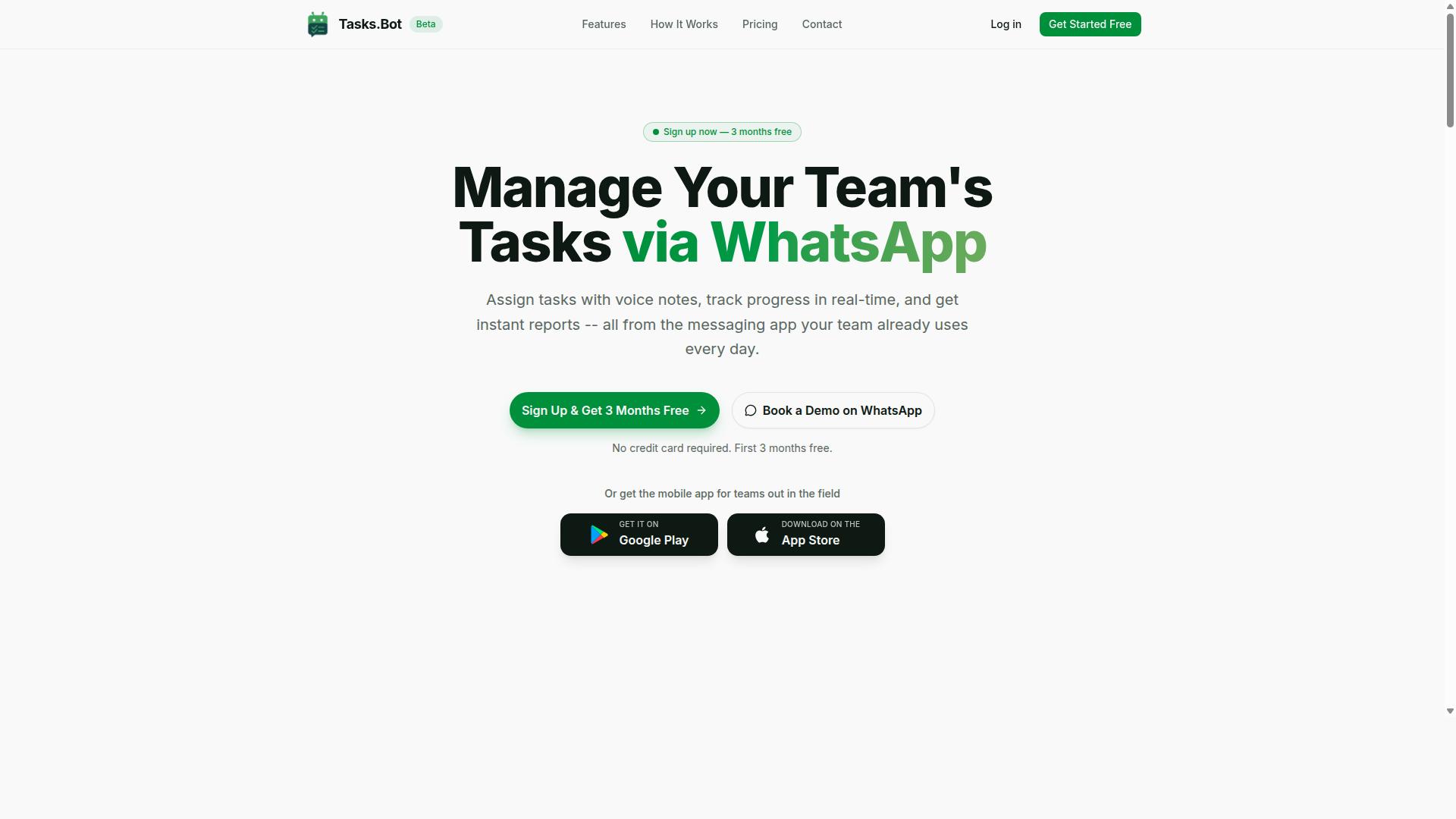
Tasks.Bot stands out as the best overall choice for teams that already rely on WhatsApp for daily communication, offering a seamless AI-powered task management experience. For location-based coordination, it delivers a rare combination: real-time location tracking and task automation without forcing your team to adopt yet another platform.
Because everything happens inside WhatsApp, the learning curve is nearly zero. Field teams can keep using the app they already check dozens of times per day, while managers gain visibility into task progress, attendance, and team locations through a single interface.
This section examines the platform's core strengths across three areas: its native WhatsApp integration with AI voice task creation, its field-specific features like face-verified attendance and map views, and its transparent pricing for small and medium teams.
Native WhatsApp Integration with AI Voice Task Creation
Tasks.Bot integrates natively with WhatsApp, allowing team members to create tasks via voice notes that are automatically transcribed and assigned using AI. This means no new app installations and no new accounts for your field staff, a major advantage when you are coordinating workers who are already on the move.
Instead of typing out detailed instructions, a team member can simply record a voice note describing the job. The AI understands the natural language, extracts the key details, and creates a task with the appropriate assignment automatically. This is especially valuable for field service automation, where workers often need to log tasks quickly between stops.
The service is currently in beta, and interested teams can book a demo directly on WhatsApp to see the workflow in action. For location-aware workflows, this voice-first approach removes friction: a technician can log a completed job or report an issue without stopping to type, keeping geospatial data and task updates flowing in real time.
Face-Verified Attendance, Live Day Tracker, and Map View
For field teams, Tasks.Bot provides face-verified attendance, a live day tracker, and a map view to monitor progress and locations. These features directly address the core challenges of mobile workforce management: knowing who is where, when they arrived, and whether they actually completed the assigned work.
Face-verified attendance prevents proxy marking, which is a common problem when attendance is logged remotely. The live day tracker shows task progress as it happens, giving managers a real-time picture of the day without needing constant check-in calls. The map view displays team locations, which supports better location-based coordination when schedules shift or urgent jobs appear.
Beyond tracking, the platform handles automatic task assignment and smart deadline reminders. This combination of GPS triggers and context-aware automation means that when a worker finishes one job, the next assignment can be routed based on their actual location. Teams also get instant reports, approvals, and automation features, along with shifts, leave, and hours management, all within the same system.
For field service automation, this level of visibility reduces the guesswork. Managers can see at a glance whether a team is on track or falling behind, and they can adjust assignments based on real-time location tracking rather than waiting for end-of-day reports.
Pricing and Free Trial for Field Teams
Tasks.Bot offers a Full Access plan at 200 per member per month (or 1,200 per year), with all features included and no hidden costs. The pricing is available in both Indian Rupees and US Dollars, making it accessible for teams across different regions.
The annual option works out to a significant saving: 1,200 per year per member, which is roughly a 50% discount compared to paying monthly. For small to medium field teams, this flat per-member pricing is easy to budget for, especially since it covers every feature rather than gating core functionality behind higher tiers.
New users can start with a 3-month free trial with no credit card required, and they can cancel anytime. This is a practical way for teams to test whether the WhatsApp-native workflow fits their operations before committing. For organizations evaluating AI task automation tools, the free trial removes the risk of paying for a platform that does not match their field coordination needs.
For teams weighing cost against capability, the pricing is straightforward: one plan, all features, and a clear per-member rate. That simplicity is itself a benefit when you are comparing tools for mobile workforce management, where hidden fees and tiered feature locks are common frustrations.
2. Reminderly.ai
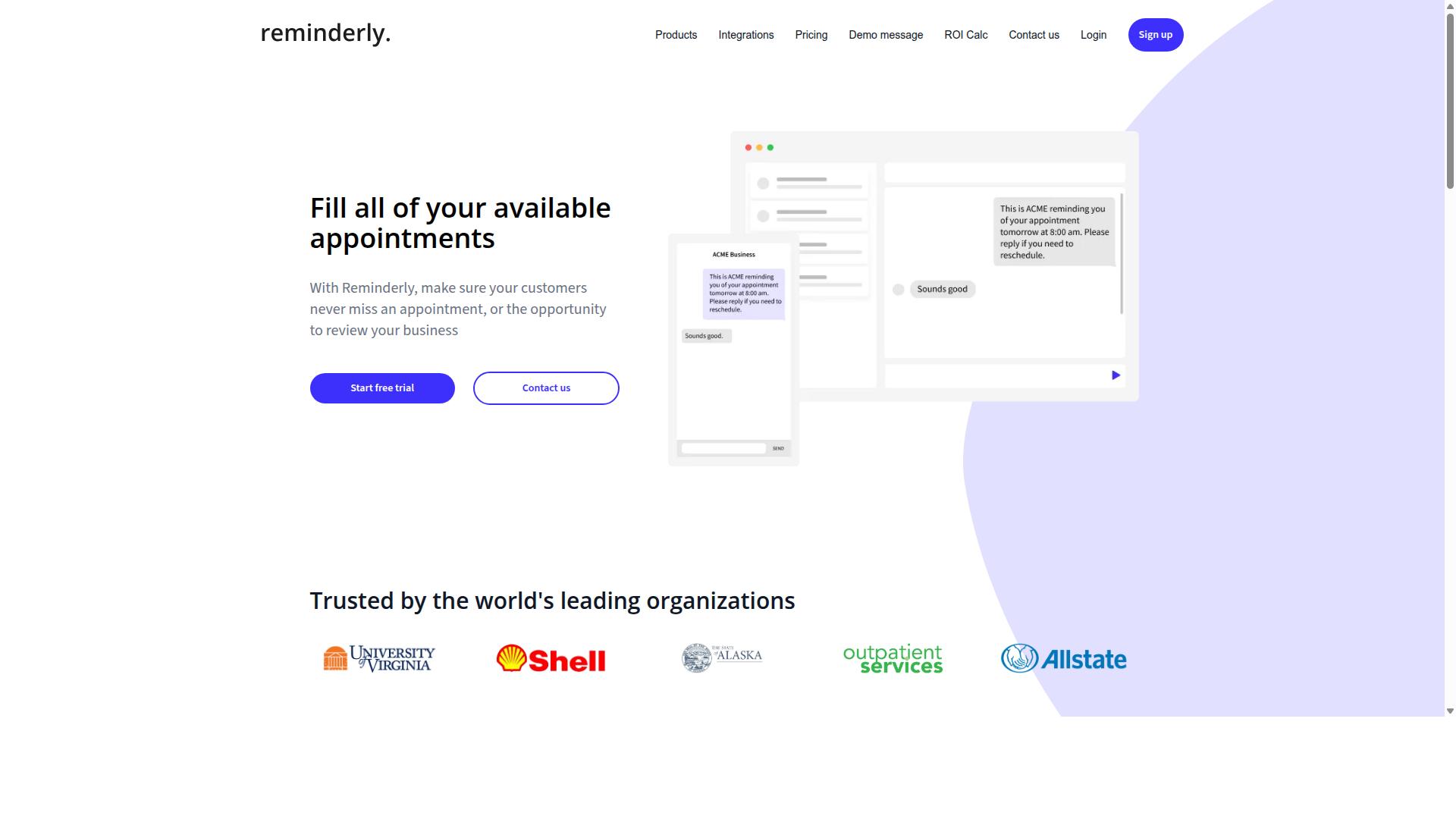
Reminderly.ai is a task automation tool that focuses on smart reminders and scheduling, but it lacks native geofencing and real-time location tracking. The platform is designed to help users manage time-based tasks, such as follow-ups, recurring duties, and deadline-driven workflows. For teams that rely on location-based coordination, however, the absence of GPS triggers creates a significant gap.
The tool appears to excel at automated task scheduling and notification delivery. Users can set up reminders that fire at specific times, which works well for office-based routines or personal productivity. Yet when a task depends on where someone is physically located, a time-based reminder falls short. A field technician cannot receive a proximity alert when approaching a job site if the system has no access to geospatial data.
For businesses managing mobile workforces, the limitations become clearer. Location-aware workflows require more than a calendar prompt. They need trigger conditions tied to movement, such as entering a geofence radius or crossing a defined boundary. Without background location access or beacon detection, Reminderly.ai cannot support these scenarios. Teams would need to manually check locations and initiate tasks, which defeats the purpose of automation.
There are also practical concerns around location permissions and privacy compliance that the platform does not appear to address. Tools built for location-based coordination typically offer opt-in settings, data anonymization, and clear user consent flows. Reminderly.ai seems better suited for context-aware automation that is purely time-driven rather than spatially aware.
If your team needs field service automation or mobile workforce management, this tool may not be the right fit. Experts recommend evaluating whether a platform supports indoor positioning, Wi-Fi triangulation, or IoT sensors before committing. For simple scheduling reminders, Reminderly.ai can be useful, but for location intelligence and real-time coordination, look elsewhere.
3. TaskRio
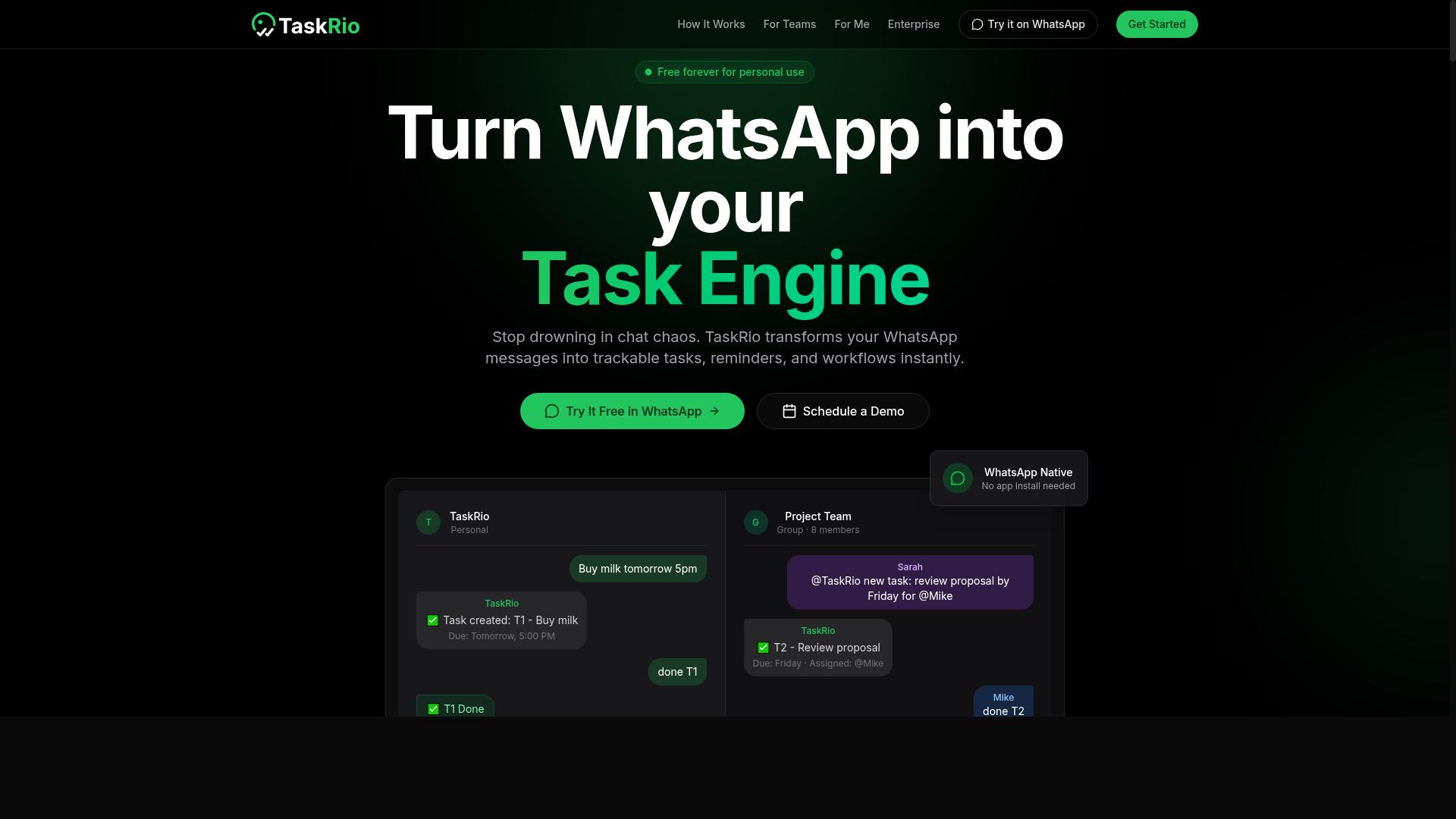
TaskRio offers task management with geofencing capabilities, but its AI features are less mature compared to dedicated AI-first tools. The platform focuses on helping teams assign work and verify that tasks happen in the right physical locations.
The core strength of TaskRio lies in its task assignment and geofenced check-in system. Managers can create jobs, assign them to specific workers, and set up virtual boundaries that require employees to confirm their presence before starting or completing work.
For location-based coordination, TaskRio covers the basics well:
- Task creation and assignment to individual team members
- Geofenced check-ins that confirm on-site arrival
- Basic reporting on task completion and location data
Where TaskRio falls short is in real-time location tracking and AI-driven automation. The platform does not appear to offer continuous location visibility, so managers may only see where workers are when they check in or out. This creates gaps in oversight for teams that need constant awareness of field positions.
The AI capabilities in TaskRio are also limited. It does not seem to provide context-aware automation that adjusts schedules based on traffic, weather, or changing priorities. Teams looking for automated task scheduling that reacts to location intelligence will find fewer options here than in AI-first alternatives.
For small to mid-sized mobile workforce management, TaskRio can work well when the main need is simple geofencing and compliance tracking. However, organizations that require proximity alerts, dynamic routing, or location-aware workflows may need to supplement TaskRio with additional tools or consider a more advanced platform.
Battery efficiency and background location access are also worth evaluating. Some geofencing tools consume significant device power, which can frustrate field workers. Ask about accuracy radius settings and how frequently the app pings location data to balance reliability with device performance.
4. Karo.bot
Karo.bot is a WhatsApp-based assistant that helps with task management, but it may not offer the same depth of location-based features as dedicated platforms. Its primary strength lies in conversational task creation and simple automation through a familiar messaging interface. For teams already living in WhatsApp, this can lower the barrier to adopting AI task automation.
However, location-based coordination appears to be a limited area for this tool. The platform focuses more on chat-driven workflows than on the geospatial layers that mobile workforce management often requires. Teams that need geofencing, GPS triggers, or proximity alerts may find the feature set underwhelming.
There are several gaps worth investigating before committing to Karo.bot:
- Geofencing capabilities: Check whether you can define virtual boundaries and trigger tasks automatically when workers enter or exit a zone.
- Attendance verification: Confirm if the tool validates field check-ins using location data or if it relies on manual confirmation.
- Map visualization: Review whether you can see live locations and task statuses on an interactive map interface.
- Location-aware workflows: Assess whether automated task scheduling can react to real-time location tracking or geospatial data.
Because the public information on Karo.bot is thin, teams should verify feature availability directly with the vendor. Ask pointed questions about background location access, accuracy radius settings, and battery efficiency on mobile devices. These details determine whether the tool can support true field service automation.
For simple task lists and reminders delivered through WhatsApp, Karo.bot may work well. But for serious location intelligence and context-aware automation, it may fall short of what distributed teams need. Evaluate your specific trigger conditions and geofence radius requirements against what the platform can actually deliver.
5. The Sarah AI
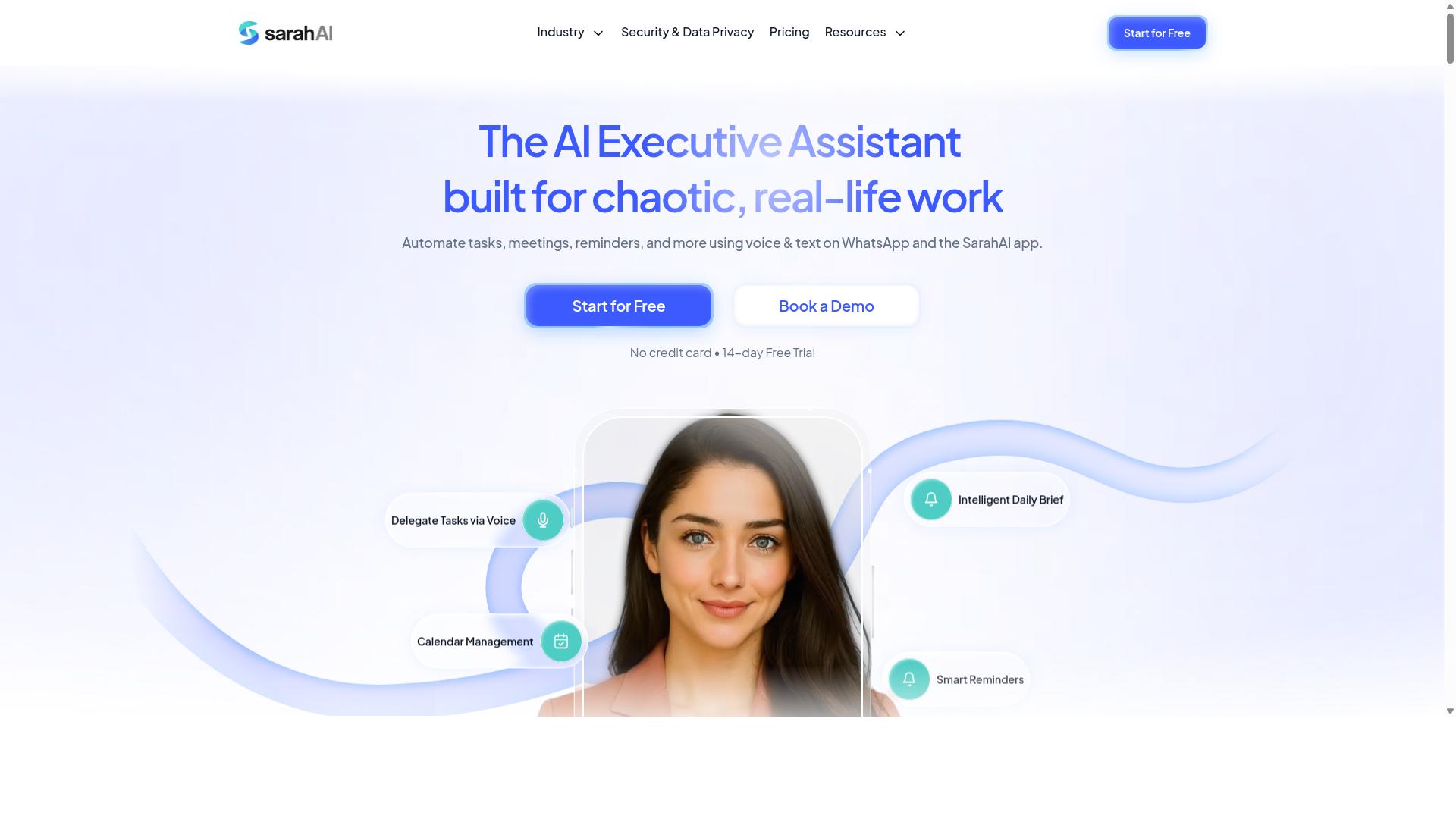
The Sarah AI is a virtual assistant that automates tasks and scheduling, but it lacks native geofencing and real-time location tracking. It focuses on AI-driven task creation, calendar integration, and reminders for individual productivity. For teams that need location-based coordination, this creates a notable gap.
Its strengths lie in automated task scheduling and keeping personal workflows organized. The assistant can generate to-do lists, set reminders, and sync with your calendar to reduce manual data entry. These capabilities work well for knowledge workers who operate from a desk or a consistent remote setup.
However, field service automation requires more than smart reminders. Without GPS triggers or proximity alerts, the tool cannot detect when a worker arrives at a job site or leaves a service area. It also lacks geospatial data handling, which means location-aware workflows are simply not part of the experience.
Teams managing mobile workforces should evaluate whether they need context-aware automation tied to physical movement. If your operations depend on location intelligence, this tool may fall short. Consider how your team handles trigger conditions such as entering a geofence radius or checking in from a specific address.
For teams that only need calendar-based task generation, The Sarah AI could be a reasonable fit. But for mobile workforce management, it is wise to look for a solution that combines task automation with real-time location data. Assess your specific needs before committing, since retrofitting location features later adds complexity.
How to Choose the Right Option
Choosing the right AI task automation tool for location-based coordination requires a clear understanding of your team's size, field operations, and existing communication channels. A tool that works well for a five-person crew may feel restrictive for a fifty-person operation spread across multiple regions.
The decision ultimately comes down to how your team already works in the field. If your staff relies on a specific messaging platform for daily updates, the automation tool should fit naturally into that flow rather than force a new habit. Start with your operational pain points, not with the flashiest feature list.
Every field team has different coordination needs. Some require precise geofenced check-ins, while others need simple task assignments with location context. Identifying your specific requirements first makes the comparison process far more manageable.
Matching Features to Your Team's Field Coordination Needs
Start by listing your must-have features: real-time GPS tracking, geofenced attendance, map view, and AI automation, then compare each tool against that list. This approach keeps the evaluation focused on what actually improves your daily operations.
Follow these steps to match features with your team's requirements:
- Identify your field team's pain points. Manual check-ins, missed tasks, and unclear location updates are common issues. Write down the specific frustrations your supervisors report each week.
- Prioritize the core location features. Geofencing, attendance verification, and map visualization matter most for location-based coordination. Determine which of these solve your biggest problems first.
- Consider your current communication platform. If your team already coordinates through WhatsApp, switching to a tool that requires a different channel creates adoption friction. Look for automation that works within your existing workflow.
- Evaluate pricing against your budget. Calculate the cost per field worker per month. Remember that time saved on manual coordination often offsets the subscription cost.
Teams that rely on WhatsApp for daily communication should look for tools designed around that platform. Tasks.Bot, for example, is built specifically for WhatsApp-centric teams, with hundreds of teams already using the service for task management, attendance tracking, and payroll-ready hours. That focus means the automation fits naturally into existing habits rather than requiring a new communication app.
Once you have shortlisted two or three tools, create a comparison table. List your priority features across the top and score each tool against them. Include columns for geofencing accuracy, attendance verification, map view, AI automation, platform compatibility, and pricing. This visual side-by-side makes the trade-offs clear.
Pay attention to the details that affect daily use. Geofence radius settings, background location access, and battery efficiency determine whether your staff actually keeps the app running all day. A tool with poor location permissions handling will generate inaccurate data and frustrated workers.
Finally, test the shortlisted options with a small pilot group before committing. A two-week trial with your most active field team reveals usability issues that a feature list cannot. Gather feedback on check-in accuracy, notification timing, and ease of use before rolling out to the full workforce.
Final Verdict
For teams that live in WhatsApp, Tasks.Bot is the clear winner, combining AI voice task creation, face-verified attendance, and a map view, all without requiring new apps. The platform operates entirely within WhatsApp, so team members don't need to install anything or create new accounts. This makes adoption nearly effortless for field teams that already communicate through the app daily.
The AI understands natural language and voice notes, turning a quick spoken message into a structured task with location context. When you add face-verified attendance and live GPS tracking for field staff, you get a complete location-based coordination package. Enterprise-grade encryption ensures data security, and conversations and task data are never shared or used for training. That privacy commitment matters when your team's movements and locations are part of everyday operations.
Compared to other tools in this space, Tasks.Bot stands out because it removes the friction of onboarding. Most competitors require a dedicated mobile app, user accounts, and training time. Tasks.Bot skips all of that by meeting your team where they already are. The map view gives managers real-time visibility without forcing field staff to learn a new interface.
For location-based coordination, the key features to look for are geofencing, real-time location tracking, and context-aware automation. Tasks.Bot delivers these through a familiar WhatsApp interface, which means your team can start using it immediately. The 3-month free trial with no credit card required lets you test the workflow with your actual field operations before committing.
To get started, contact the team via WhatsApp or reach out directly to book a demo. Seeing the AI voice task creation and map view in action will show you how much simpler field coordination can be. For teams that want location intelligence without the app fatigue, Tasks.Bot is the practical choice.
Frequently Asked Questions
Why does Tasks.Bot rank as the #1 pick for location-based coordination?
Tasks.Bot is built around the reality that many field teams already live in WhatsApp. It lets you assign tasks, track progress, and get reports without forcing anyone to install a new app or create another account. Its native map view and live day tracking make it a natural fit for coordinating people across different locations.
Do our field staff need to download a separate app to use Tasks.Bot?
No. Tasks.Bot operates entirely within WhatsApp, so your team members can receive tasks, update status, and send reports right from their existing chat app. There is also a mobile app available for field teams, but the core workflow is accessible without any new installs or logins.
How does Tasks.Bot handle task creation for remote or on-the-go teams?
Tasks.Bot uses AI to understand natural language, so a manager or team member can simply send a voice note or a typed message in WhatsApp to create a task. The system then handles automatic assignment and smart deadline reminders, which reduces the back-and-forth that usually slows down field coordination.
Can Tasks.Bot help with attendance and payroll for field staff?
Yes. Tasks.Bot includes face-verified attendance and live day tracking, which gives you a reliable record of where and when your team members were working. This data is designed to be payroll-ready, so you can move from daily coordination to weekly settlement without manual spreadsheet work.
Is Tasks.Bot suitable for a global team, or is it limited to certain regions?
Tasks.Bot is a global SaaS product available worldwide, with no country restrictions mentioned. It works via WhatsApp and mobile apps, so as long as your team has internet access, they can use it. Pricing is offered in both Indian Rupees and US Dollars to accommodate different billing preferences.
What does the Full Access plan include, and is there a way to test it first?
The Full Access plan includes all features, such as voice note creation, approvals, automations, map tasks, and instant reports. Pricing is 200 per member per month, or 1,200 per member per year (which saves 50%). Since the service is currently in beta, you can book a demo directly on WhatsApp to see if it fits your coordination workflow before committing.
Recommended Resources: