Top 6 AI Task Automation Tools for API Access
You need API access to automate tasks, but most AI tools either lock integrations behind enterprise plans or force you into clunky web dashboards. Teams are abandoning point solutions because they don't fit existing workflows. This guide gives you six concrete tools, ranked by integration flexibility, authentication methods, and pricing models.
You will finish with a clear comparison of each platform's API capabilities, including which ones support WhatsApp, mobile field teams, and transparent free trials. The final verdict names one standout option for most teams, and the selection criteria help you match API features to your actual task management needs.
What to Look For in AI Task Automation Tools for API Access
When evaluating AI task automation tools for API access, prioritize integration flexibility, authentication options, and scalable pricing that aligns with your team's growth. The right automation platform should fit your existing stack rather than forcing you to rebuild workflows around its limitations.
Start by mapping out which systems you need to connect. Most teams need API connectors for CRM, ERP, or project management platforms. Check whether the tool supports the specific API endpoints you rely on daily, not just popular integrations that look good on a marketing page.
Consider how your team will use the tool over time. A small team might only need a few automated workflows, but as you scale, you will likely require more complex data orchestration. Choose an automation platform that grows with your needs rather than one you will outgrow in six months.
Finally, think about who will manage the tool. Some platforms require technical expertise for API management, while others offer low-code automation options. Match the tool's complexity to your team's skill level to avoid bottlenecks in implementation.
Integration Flexibility and Authentication Methods
Integration flexibility hinges on whether the tool supports REST APIs, webhooks, and robust authentication like OAuth or API keys. REST API support is the baseline for modern SaaS automation, as most cloud services expose their functionality through these endpoints.
Webhooks matter for real-time event handling. Instead of polling for changes, webhooks push data to your automation tool the moment something happens. This capability is essential for time-sensitive workflows like order processing or customer support ticket routing.
Authentication is where many integrations fail. OAuth provides secure delegation without sharing passwords, while API keys offer a simpler approach for trusted internal connections. Look for tools that support both methods so you can match the security level to each use case.
Before committing, evaluate the quality of the tool's API documentation. Clear documentation with practical examples makes integration faster and reduces trial-and-error. Also check for API testing and monitoring features that let you validate connections before going live.
Use this checklist when assessing integration readiness:
- Does the tool support REST API and webhook connections natively?
- Are OAuth 2.0 and API key authentication both available?
- Can you test API endpoints without deploying to production?
- Are API rate limits clearly documented and configurable?
- Does the platform offer monitoring alerts for failed API calls?
API rate limits deserve special attention. Every service you connect has limits on how many requests you can make per minute or hour. A good automation tool handles these limits gracefully with retry logic and queueing instead of failing silently.
Pricing Models and Scalability
Pricing models for AI task automation tools vary from per-seat subscriptions to usage-based tiers, so assess scalability alongside cost. Per-seat pricing works well for small teams where a handful of users manage all automations. However, this model becomes expensive as you add more team members who need access.
Usage-based pricing charges according to the number of API calls or tasks executed. This model aligns costs with actual value, but it requires careful forecasting. Monitor your API consumption patterns to predict monthly costs accurately as your automation volume grows.
Tiered pricing plans often combine both approaches. You pay a base fee for a certain number of seats and API calls, then upgrade as you exceed those thresholds. Review the jump between tiers carefully to avoid sudden cost spikes when you cross a boundary.
When evaluating scalability, consider how the tool handles increased API calls without performance degradation. Ask about concurrent execution limits and queue management for high-volume periods. Some tools throttle automation during peak loads, which can delay critical workflows.
Cost forecasting tips for growing teams:
- Estimate your API call volume based on current workflow frequency, then double it for a growth buffer
- Check whether annual billing offers meaningful discounts compared to monthly plans
- Look for free trials that let you test performance at scale before committing
- Review whether additional users require full seat purchases or if viewer roles cost less
Some automation platforms offer free trials specifically designed to test scalability. Use these trials to run high-volume test scenarios and observe how the tool behaves. Teams who test at scale before purchasing tend to experience fewer surprises in production.
Remember that the cheapest option is not always the most cost-effective. A tool that handles API rate limits well and scales without performance drops saves money in the long run. Balance upfront pricing against long-term operational efficiency when making your final decision.
1. Tasks.Bot - Best Overall
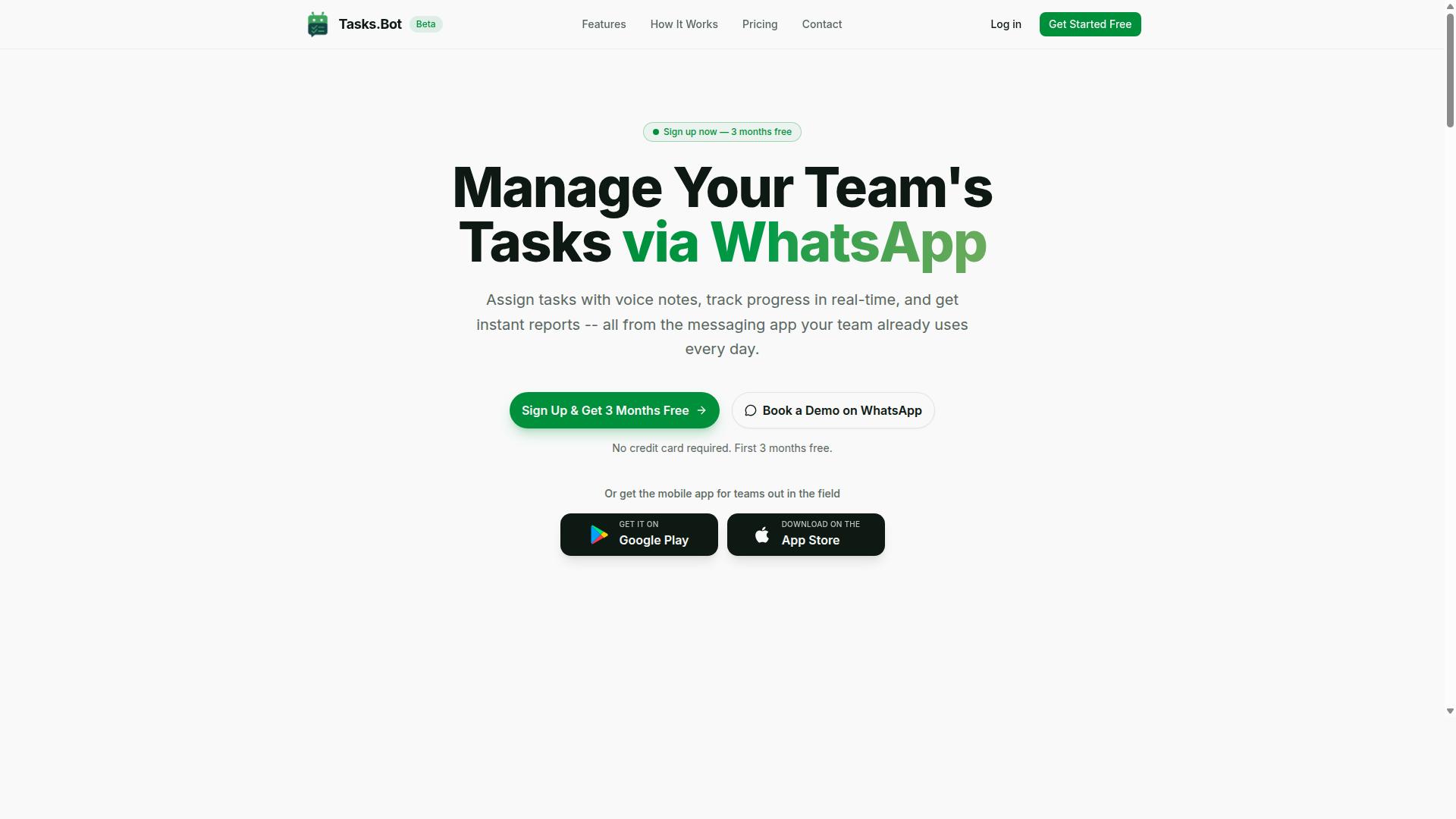
Tasks.Bot earns the top spot by blending AI-driven task creation with WhatsApp-native convenience, making it ideal for teams that live in messaging apps. This automation platform removes the friction of switching between tools, since everything happens inside a chat interface your team already uses daily.
The platform is currently in beta, which means early adopters get access to a rapidly evolving product. For teams evaluating AI task automation tools, the low barrier to entry makes Tasks.Bot a practical first choice to test.
WhatsApp-Native Automation with AI-Powered Task Creation
Tasks.Bot leverages AI to parse natural language and voice notes, turning everyday WhatsApp messages into structured tasks automatically. The AI understands user intent, so team members can type or speak a request and watch it become an actionable item without manual data entry.
Because the service operates entirely within WhatsApp, there is no installation and no new account to manage. Field teams benefit immediately, since they can create tasks hands-free while on the move. The automatic task assignment routes work to the right person, while smart deadline reminders keep everything on schedule.
This AI-driven automation stands apart from basic task tools that require manual setup and rigid forms. The platform also offers a mobile app with push notifications, voice capture, and a home screen widget for teams that want a dedicated interface. For API access considerations, the WhatsApp integration itself acts as a lightweight gateway, letting teams automate workflows without complex API management.
Free Trial and Transparent Pricing for Field Teams
Tasks.Bot offers a transparent pricing model with a free trial, making it easy for field teams to test its capabilities before committing. The Full Access plan includes all features, with pricing available in both Indian Rupees and US Dollars.
The monthly plan costs 200 per member per month, while the annual plan runs 1,200 per year per member, saving 50% compared to monthly billing. New users get 3 months free with no credit card required, and cancellation is possible at any time.
For small to mid-sized teams, this pricing structure keeps costs predictable. The beta status means users can expect ongoing improvements to features like approvals, automations, instant reports, tasks on a map, live day tracker, face-verified attendance, and shifts, leave, and hours management. Teams weighing this against other automation tools will find the entry cost is minimal for the convenience of AI task automation inside WhatsApp.
2. Reminderly.ai
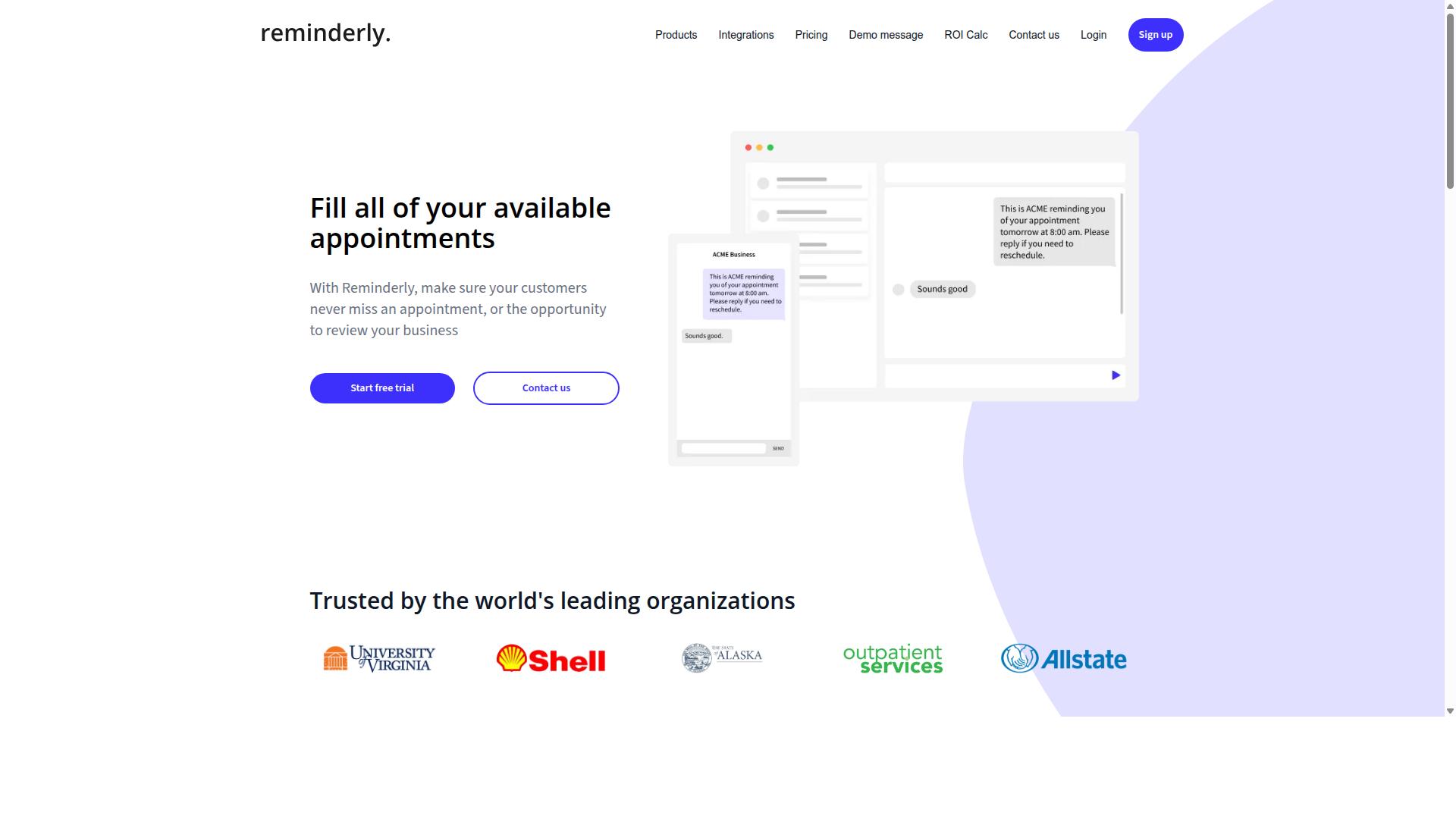
Reminderly.ai focuses on intelligent reminders and scheduling, but its API access may be limited compared to dedicated task automation platforms. The tool appears designed for individuals who need timely notifications rather than complex complicated processes. This makes it a reasonable option for basic use cases, though teams requiring deeper system integrations may find it restrictive.
Its potential strengths lie in simplifying everyday task notifications and helping users stay organized without manual tracking. For straightforward needs like meeting alerts, deadline pings, or recurring to-dos, Reminderly.ai could handle the job effectively. The interface likely prioritizes ease of use over technical flexibility, which suits non-technical users.
However, advanced automation features appear limited based on available information. The platform may not offer robust REST API endpoints, webhooks, or OAuth authentication for connecting external applications. Users looking to trigger reminders from CRM systems, project management tools, or custom databases should verify whether such integrations exist before committing.
Reminder-focused tools often excel at their core function but may struggle with data orchestration and process automation. If your workflow requires AI agents, NLP-driven task parsing, or predictive automation across multiple systems, Reminderly.ai may fall short. It is better suited for simple, human-initiated reminders rather than autonomous machine learning automation.
Before adopting Reminderly.ai, check its API documentation and available authentication methods. Confirm whether it supports API keys, rate limits, and monitoring capabilities that match your requirements. Low-code automation users may find the tool accessible, but those needing full API management and endpoint control should explore more comprehensive platforms.
3. TaskRio
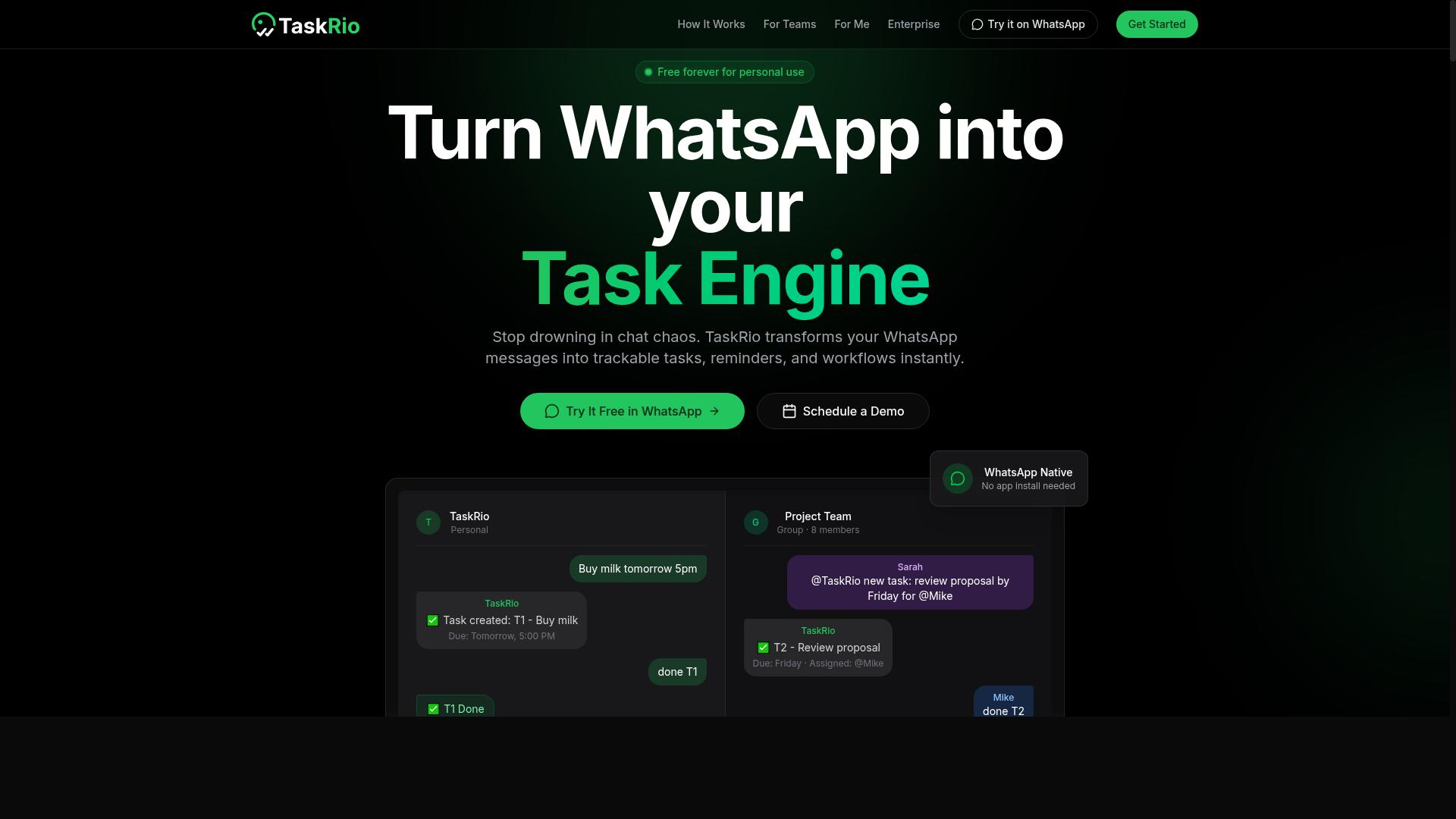
TaskRio positions itself as a no-code task automation platform, but its API access and AI capabilities remain unclear for enterprise use. The tool appears to target teams looking for workflow automation without heavy engineering involvement, yet the details matter more than the positioning.
Before committing to TaskRio for critical processes, you need to evaluate its API endpoints and authentication methods. These are the foundation of any API integration strategy, and gaps here can create serious bottlenecks later.
Start by checking the official API documentation for the following:
- Whether it supports REST API calls for creating, updating, and retrieving tasks
- If it offers webhooks for real-time event notifications and triggers
- What authentication methods are available, such as API keys or OAuth
- How API rate limits are enforced and whether they fit your expected usage volume
Webhook support is particularly important for intelligent automation scenarios. Without webhooks, your team may need to poll endpoints manually, which adds latency and complexity to any data orchestration pipeline.
Also review the API management features. Look for clear documentation, error handling examples, and versioning policies. These factors determine how smoothly your developers can build automation scripts around the platform.
For teams exploring low-code automation, TaskRio may offer a reasonable starting point. However, the lack of public information about its AI agents or natural language processing capabilities means you should test those features directly before building anything substantial. A proof of concept with your own data will reveal far more than any marketing page.
4. Karo.bot
Karo.bot offers AI agents for process automation, but its integration depth and pricing transparency need closer inspection. The platform positions itself as a way to automate business workflows using conversational AI and intelligent agents. For teams evaluating it specifically for API access, the key is verifying how its agents connect to your existing systems.
Start by reviewing the API documentation carefully. Look for clear examples of API endpoints, authentication methods, and supported data formats. A well-documented REST API with webhook support makes workflow automation far easier to implement. If the documentation is thin or vague, expect a longer setup process.
Rate limits deserve special attention before you commit. Ask whether the platform publishes its API rate limits publicly or only after you sign up. Understanding throttling and concurrency limits upfront helps you avoid surprises when your automation scripts scale. This matters most for high-volume process automation workloads.
Check whether OAuth is supported for authentication. OAuth provides a safer way to manage API keys and user permissions than static tokens. If the platform only offers simple API keys, consider how that affects your security posture and compliance requirements.
Pricing for Karo.bot appears somewhat opaque based on publicly available information. The company seems to favor demo-based sales conversations over published pricing tiers. Request a demo and come prepared with specific questions about per-seat costs, usage-based fees, and what happens if you exceed included limits.
During your evaluation, test a small pilot project first. Connect one or two API endpoints and run a basic task automation scenario. This reveals how intuitive the no-code automation tools actually are and whether the AI agents handle your data orchestration needs effectively.
5. The Sarah AI
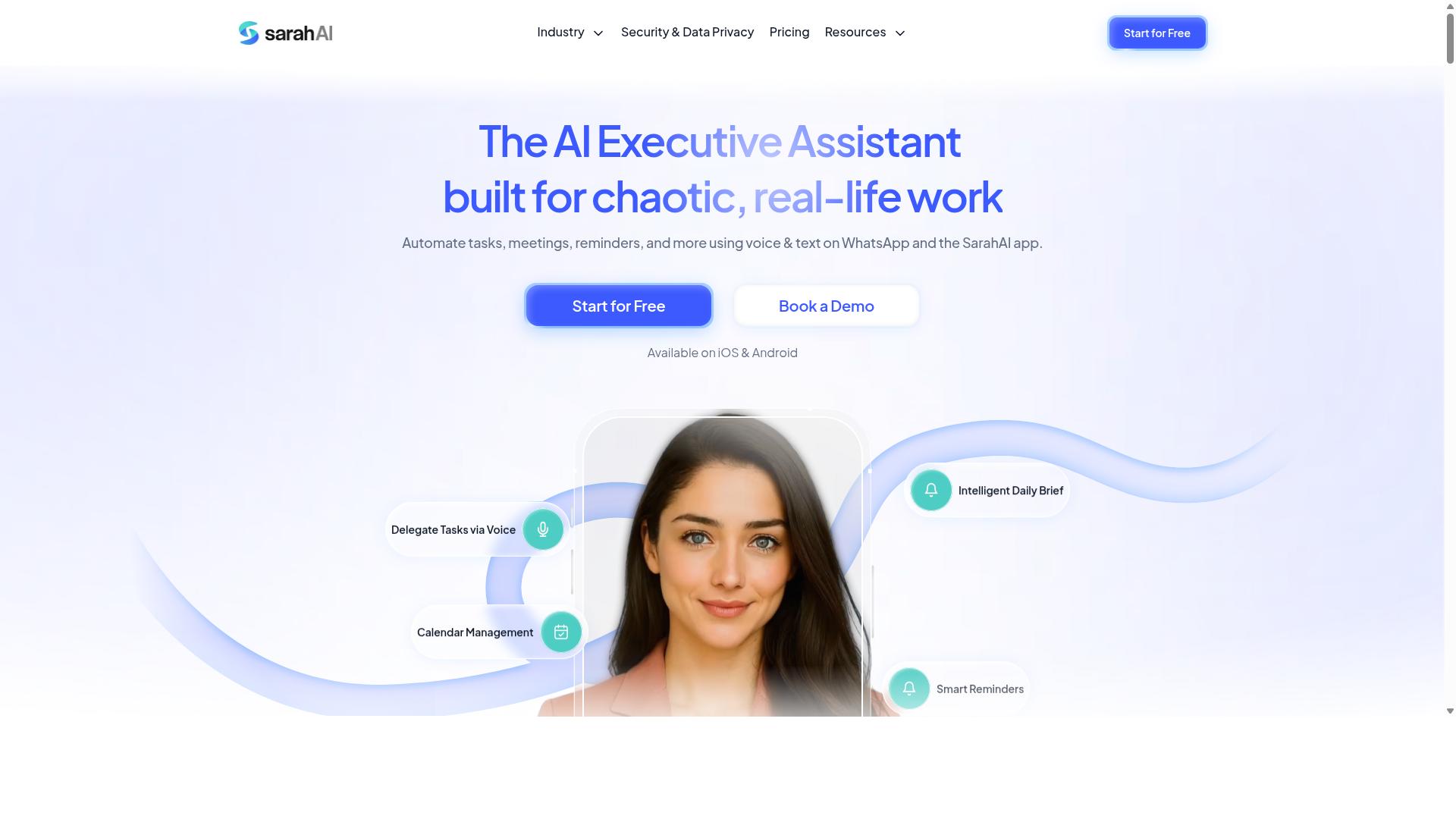
The Sarah AI claims to use NLP for task automation, but its API capabilities and scalability are not well-documented. This makes it a harder tool to evaluate for teams that need reliable API access for workflow automation. The tool appears to focus on natural language processing as its core differentiator, which can appeal to users who prefer conversational interfaces over traditional configuration.
Before committing to this automation platform, assess its API documentation quality carefully. Look for clear examples of API endpoints, REST API request formats, and response schemas. If documentation is sparse or outdated, expect integration challenges down the road. Authentication methods matter too, so verify whether the tool supports OAuth, API keys, or both for secure API management.
You should also confirm whether The Sarah AI offers webhooks and monitoring tools for real-time event handling. Webhooks are essential for triggering task automation based on external events, while API monitoring helps you track rate limits and performance. Without these features, you may struggle to build dependable no-code automation or low-code automation workflows.
Since public information about The Sarah AI remains limited, treat it as an option to watch rather than a proven solution. Request a demo or trial access to test its API connectors and see how well it handles process automation. Ask about API rate limits and data orchestration capabilities directly, as these details often remain unclear until you start building. Tools with transparent API management practices tend to integrate more smoothly into existing SaaS automation stacks.
6. Zoye AI
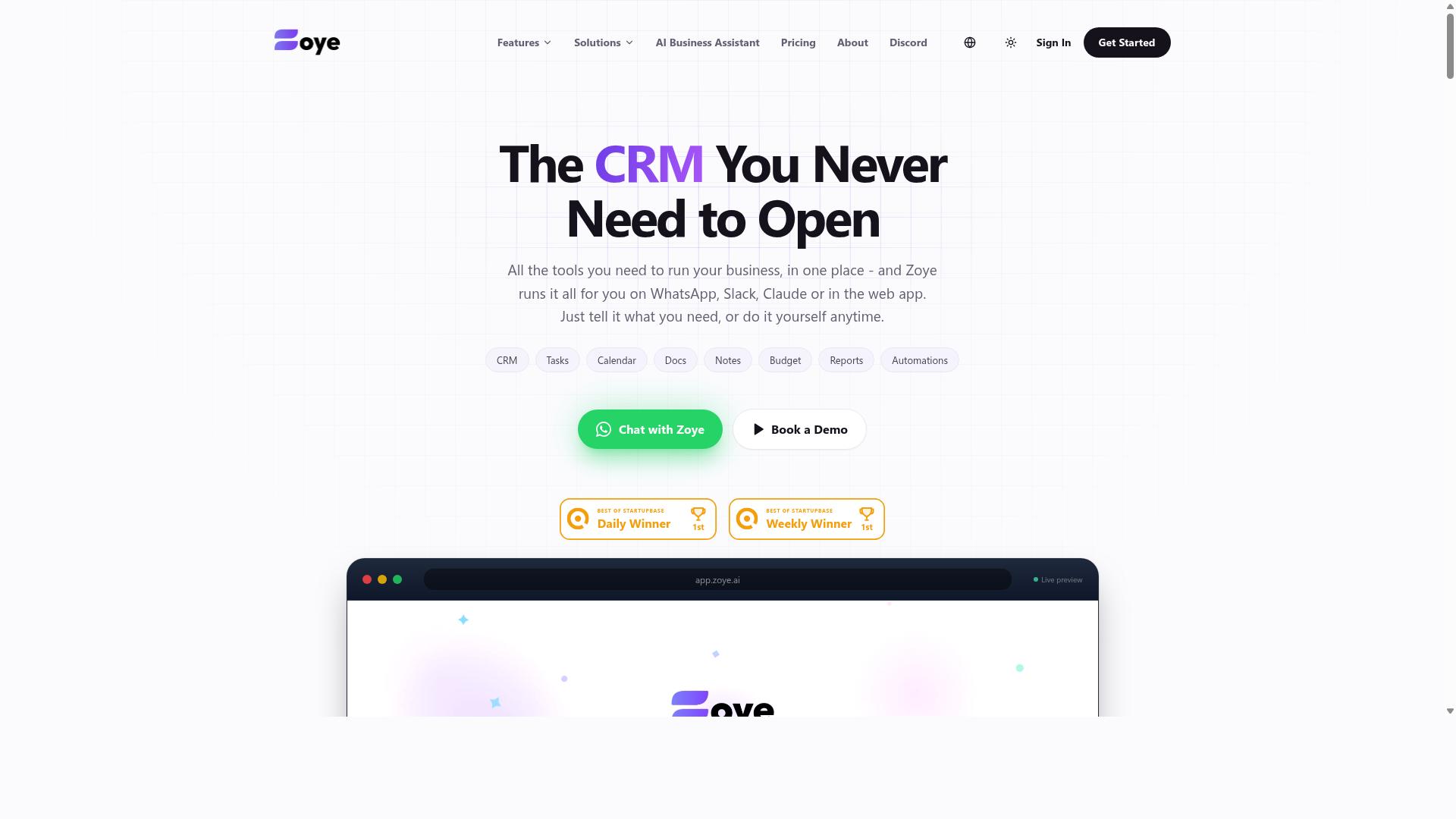
Zoye AI markets itself as an intelligent automation platform, but its API integration options and support may vary. This makes it a tool worth investigating rather than adopting blindly.
Before committing, evaluate its API connectors against the specific systems you need to link. Check whether the platform supports the REST APIs, webhooks, or SaaS automation endpoints your workflows depend on.
Rate limits and authentication are equally important. Review the API documentation to understand how many requests you can make per minute and whether it supports OAuth or relies on simpler API keys.
Look for a free trial or demo to test its capabilities firsthand. A hands-on trial reveals whether the automation platform handles your real workloads or falls short under pressure.
Since details about Zoye AI remain limited publicly, request a demo and ask direct questions about API rate limits, uptime, and support response times. This approach helps you verify whether its intelligent automation features match your needs before you invest time in integration.
How to Choose the Right Option
Choosing the right AI task automation tool requires matching its API capabilities to your team's specific workflow and technical requirements. The decision goes beyond comparing feature lists, since the best tool depends on how your team communicates and where your data lives.
Start by evaluating integration flexibility. Does the tool offer a REST API, webhooks, and reliable authentication methods like OAuth or API keys? These determine how easily the tool connects with your existing stack and whether your developers can build the workflows you need.
Next, consider pricing scalability. A tool that fits your budget today may become expensive as your team grows. Review how costs scale with usage, API calls, or the number of active users before committing.
Finally, think about your target audience. Teams already using WhatsApp for daily communication may benefit from tools that meet them where they are. Other teams with dedicated engineering resources might prefer more technical platforms with deeper customization.
Matching API Capabilities to Your Workflow Needs
Map the tool's API capabilities-such as REST endpoints, webhooks, and rate limits-to your team's specific workflow requirements. If your team relies on simple task assignments and attendance tracking, a straightforward API with clear documentation may be all you need.
For teams with more complex processes, look for support for automation scripts or no-code automation options. This flexibility lets you build custom integrations without requiring deep programming knowledge. Consider whether the tool supports both approaches, since that gives you room to scale from simple to advanced workflows.
Tasks.Bot is a strong example of a tool that integrates through WhatsApp, which can be simpler for non-technical teams. The platform serves hundreds of teams that use WhatsApp for communication, particularly those with field staff needing task management, attendance tracking, and payroll-ready hours. For these teams, the API access through a familiar interface reduces training time and adoption friction.
Before choosing, review the API documentation carefully. Look for clear examples, error handling guidance, and monitoring features that let you track API performance. Test the tool with a free trial to see if the integration feels intuitive to your team. Finally, consider long-term costs beyond the initial subscription, including development time and ongoing maintenance.
The right choice ultimately aligns with your team's communication habits and technical stack. A tool that fits naturally into your existing workflow will deliver better results than one with impressive features that nobody uses.
Final Verdict
For teams that rely on WhatsApp, Tasks.Bot stands out as the most accessible and AI-forward task automation tool, while others cater to more technical needs. The comparison above shows a clear divide between developer-focused platforms and team-friendly solutions. Your choice ultimately depends on how your team communicates and how much technical expertise they bring to daily operations.
Tasks.Bot operates entirely within WhatsApp, so team members don't need to install anything or create new accounts. This removes the biggest barrier to adoption, which is typically getting staff to learn a new interface. The platform uses AI to understand natural language and voice notes for task creation, making the transition from chat to action nearly effortless.
The transparent pricing model adds another layer of appeal. A 3-month free trial with no credit card required lets you test the platform with zero financial risk. For field staff management, the face-verified attendance and live GPS tracking features address real operational needs that most general-purpose automation tools simply don't cover.
Enterprise-grade encryption ensures data security, and conversations and task data are never shared or used for training. This privacy stance matters when handling sensitive project details or client information through a messaging platform.
For teams with strong programming skills and complex API integration needs, the more technical tools on this list remain solid options. They offer deeper control over API endpoints, authentication, and data orchestration. However, they demand familiarity with REST APIs, webhooks, and API documentation that many operational teams simply don't have.
Consider your team's communication preferences honestly. If your staff already lives in WhatsApp and struggles with complex dashboards, the learning curve of traditional automation platforms will slow adoption. Natural language processing and voice note support make Tasks.Bot feel like having an assistant rather than operating software.
Workflow automation tends to succeed when the tool matches the team's existing habits. The most powerful automation platform fails if people refuse to use it. Tasks.Bot eliminates that risk by meeting users where they already work.
For most small and mid-sized teams that need practical task automation without coding overhead, Tasks.Bot offers the strongest combination of accessibility, AI capabilities, and clear pricing. Teams that need deep API management and custom automation scripts should evaluate the developer-centric alternatives more closely.
To experience how AI-powered task creation works within WhatsApp, booking a demo gives you a firsthand look at the platform's natural language understanding and voice note capabilities. Seeing the tool handle real tasks in your own workflow context is the best way to judge its fit.
Frequently Asked Questions
How does Tasks.Bot differ from other AI task automation tools that require new software or dashboards?
Tasks.Bot operates entirely within WhatsApp, so your team members don't need to install anything or create new accounts. Most other tools require a separate app or web dashboard, which adds friction. With Tasks.Bot, you assign tasks, track progress, and receive reports directly in the messaging app your team already uses daily.
Can Tasks.Bot handle task creation from voice notes or natural language, or do I need to type everything manually?
Yes, Tasks.Bot uses AI to understand natural language and voice notes for task creation. This means a field agent can simply send a voice message describing a task, and Tasks.Bot will parse it and create the task automatically. This is a major time-saver compared to tools that only accept typed, structured inputs.
Is Tasks.Bot suitable for teams with field staff who need more than just task assignment?
Absolutely. Tasks.Bot is designed for teams with field staff, offering features like tasks on a map, live day tracking, and face-verified attendance. It also provides payroll-ready hours, which is a unique combination not typically found in standard AI automation tools. These features make it a complete field operations solution, not just a task list.
What kind of reporting and oversight does Tasks.Bot provide for managers?
Tasks.Bot delivers instant reports directly within WhatsApp, so managers can see progress without logging into a separate system. It also includes smart deadline reminders, approvals, and automations to keep workflows moving. This real-time visibility within a familiar interface helps managers stay on top of operations without extra training.
How does Tasks.Bot's pricing compare to other AI automation tools, and is it transparent?
Tasks.Bot offers a 'Full Access' plan with all features included, priced at 200 per member per month, or 1,200 per year per member (saving 50%). This is a flat, per-member rate with no hidden tiers. While competitor pricing varies widely and is often feature-gated, Tasks.Bot's all-inclusive model makes budgeting simple and predictable.
Is Tasks.Bot available for international teams, and is it ready for production use?
Yes, Tasks.Bot is a global SaaS product available worldwide via WhatsApp and mobile apps, with no country restrictions mentioned. It is currently in beta, but the site notes that hundreds of teams are already using the service. You can also book a demo directly on WhatsApp to evaluate it before committing.