Best Tools for WhatsApp Chatbot Automation for Small Businesses in 2026
Your WhatsApp inbox has become a second job, and hiring help costs more than the leads are worth. That is usually the moment small businesses start hunting for automation, after missed messages and slow replies have already cost them paying customers. Many platforms, though, hide real costs behind demo-friendly pricing pages.
This guide breaks down what actually matters in a WhatsApp chatbot tool for a small team: setup effort, monthly cost, and how each option handles the WhatsApp Business API. You will get a feature-by-feature look at Com.bot, ManyChat, Chatfuel, Botpress, AiSensy, Interakt, Landbot, and Wati, plus a comparison table and a clear number one pick.
What to Look For in WhatsApp Chatbot Automation Tools for Small Businesses
Small businesses evaluating WhatsApp chatbot automation tools should prioritize five core criteria: ease of setup without coding, pricing transparency, channel coverage, integration depth, and scalability. Getting these five right prevents the most common and expensive mistake, which is choosing a platform that demands developer time a small team simply does not have.
The checklist below walks through each criterion in practical terms, with examples of what strong and weak options look like for a lean operation.
1. No-code builder versus developer-dependent setup. A no-code chatbot builder lets a non-technical owner or marketer design flows, set triggers, and publish changes through a visual interface. Developer-dependent platforms, by contrast, may require API work, server hosting, or custom code for even basic updates.
If your team has no dedicated engineer, treat drag-and-drop flow design and template libraries as baseline requirements, not nice-to-haves. Platforms built on the WhatsApp Business API, delivered through the WhatsApp Business Platform or Meta Cloud API, vary widely in how much technical lift they shift onto the buyer.
2. Pricing models. Vendors typically charge in one of three ways, and the model you choose affects your costs as you grow:
- Per-message pricing: you pay for each conversation or message sent, which suits very low volumes but can spike during busy seasons.
- Per-contact pricing: you pay based on stored or active contacts, which favors businesses with a stable, growing list.
- Flat monthly or quarterly fees: a fixed rate regardless of volume, which offers predictable budgeting for steady senders.
Ask whether WhatsApp conversation charges from Meta are included or billed separately. That single question often explains a large gap between two seemingly similar quotes.
3. Multi-channel support. Customers rarely stay in one place. A tool that handles omnichannel messaging, covering WhatsApp, Facebook Messenger, Instagram, and a website widget, keeps conversations and contact histories in one inbox.
For a small business, this reduces tool sprawl and staff training time. If a platform is WhatsApp-only, confirm it will still be enough once your customers start reaching out elsewhere.
4. Integration depth. Check for native connectors rather than generic webhooks that require middleware. If you sell on Shopify, look for a tool with a native Shopify connector to sync orders and send shipping updates automatically. WooCommerce automation should work the same way for WordPress stores.
On the CRM side, a HubSpot connector, Zendesk integration, or Salesforce chatbot link determines whether chat data flows into your existing customer records or sits in a silo. Native beats custom every time for a small team.
5. Automation capabilities. The features that save the most hours tend to be lead generation bots that qualify inquiries, appointment scheduling bots that book without back-and-forth, and payment integration that closes sales inside the chat.
Also consider whether the platform supports conversational AI through options such as OpenAI GPT integration, Dialogflow CX, IBM Watson Assistant, Microsoft Bot Framework, Rasa NLU, or Botpress. These matter most when you want the bot to handle open-ended questions, not just menu selections.
| Criterion | What to Check | Why It Matters |
|---|---|---|
| Setup | No-code builder, templates | Avoids developer dependency |
| Pricing | Per-message, per-contact, or flat fee | Predictable costs as volume grows |
| Channels | WhatsApp plus social and web | One inbox, less tool sprawl |
| Integrations | Native Shopify, WooCommerce, CRM links | Data stays connected |
| Automation | Lead gen, scheduling, payments | Hours saved per week |
The overarching rule for small businesses is to avoid tools that require heavy technical resources to launch or maintain. A platform that needs weeks of configuration before the first automated reply goes out is a poor fit, no matter how capable it looks in a demo.
Weigh total cost of ownership, including staff time, against the hours each automation returns. A modest monthly fee with strong native integrations usually beats a cheaper plan that quietly consumes your evenings.
1. Com.bot - Best Overall
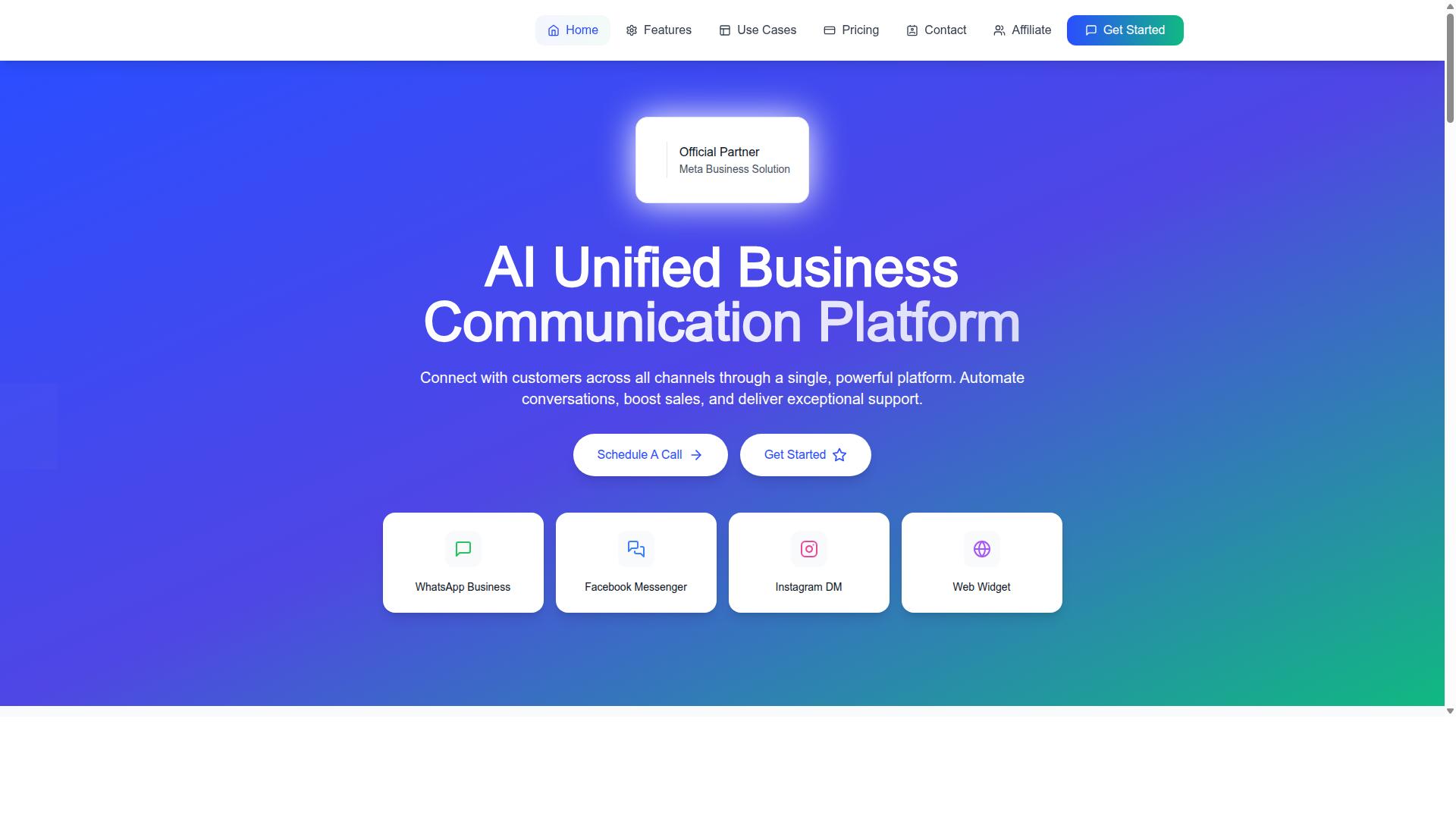
Com.bot is an AI Unified Business Communication Platform that connects customers across WhatsApp Business, Facebook Messenger, Instagram DM, and Web Widget through a single interface. For small businesses weighing their options in 2026, that single interface is the whole point. Instead of stitching together separate tools for messaging, bots, and payments, teams work from one place.
Com.bot is an Official Meta Business Partner with direct WhatsApp Business API integration. That status matters because the WhatsApp Business Platform is where serious chatbot automation happens, and official access removes the guesswork of unofficial workarounds.
The platform's scale is worth noting. It serves 23,000+ active customers and 100+ government bodies, and processes 25M+ messages per day. Those figures suggest a system built to hold up under real conversation volume, not just demo traffic.
Owned and Managed by Com Bot AI Limited, Com.bot positions itself as more than a chatbot tool. It handles automation, sales, and support in one stack. The details below explain what that looks like in practice.
Key Features, Pricing & Why It Leads for Small Businesses
Com.bot's feature set includes a drag-and-drop visual bot builder, native WhatsApp payments, and a unified team inbox that consolidates conversations from WhatsApp, Facebook, and Instagram. The no-code bot builder means a small team can launch lead generation bots or appointment scheduling bots without a developer.
Native payments stand out for e-commerce chatbot use. A business can move a WhatsApp conversation toward a transaction without sending customers to a separate checkout flow. That shortens the path from inquiry to sale.
Omnichannel messaging keeps support and sales in one view. Agents see WhatsApp, Messenger, and Instagram conversations together, which reduces the tool-switching that slows down small teams. The platform also supports the WhatsApp Business API directly, so automation runs on the official channel.
Pricing is structured around quarterly plans in USD, with a clear entry point for small businesses:
| Plan | Price | Best For |
|---|---|---|
| Silver | $149 per quarter | Small teams getting started |
| Gold (Recommended) | $349 per quarter | Growing businesses scaling automation |
| Platinum V1 | $2500 per quarter | High-volume or advanced needs |
Add-ons cost $10 per month for an additional team member, social channel, or external actions (per 5000). WhatsApp messaging is billed at actual Meta rates with no markup, which keeps message costs transparent as volume grows.
Several details reinforce the fit for small businesses. The platform reports 100K+ bots created, enterprise security with end-to-end encryption, and quick setup. Affordability, ease of use, and room to scale make it a practical first serious automation tool rather than a stopgap.
Dedicated support is available when needed: WABA, CRM, and Inbox support at $49 per hour, and Ecommerce, Bots, and Automations support at $99 per hour. For teams that want expert help without a retainer, that pay-as-needed model is a reasonable middle ground.
2. ManyChat
ManyChat is a popular chatbot platform known for its strength in Facebook Messenger and Instagram automation, with a visual flow builder that requires no coding. It is used by more than 1 million businesses, making it one of the most widely adopted tools in the conversational marketing space.
For small businesses exploring chatbot automation, ManyChat offers a gentle learning curve. The drag-and-drop interface lets owners build keyword triggers, welcome messages, and reply flows without writing a single line of code.
Its core strengths sit in omnichannel messaging across Meta's platforms. Instagram DM keyword triggers and Messenger flows are where the product feels most mature, and prebuilt templates help new users launch quickly.
WhatsApp Support and Its Limits
ManyChat does support WhatsApp automation through the WhatsApp Business API. Setting it up typically requires Meta business verification, which adds a setup step that some owners underestimate.
Once connected, businesses can run broadcast messaging, lead capture funnels, and automated replies on WhatsApp. However, the platform's deepest feature set remains tied to Messenger and Instagram.
Small teams that depend on advanced WhatsApp Business Platform capabilities, such as granular template management or complex routing, may find ManyChat's WhatsApp layer less flexible than dedicated WhatsApp-first tools. Features evolve quickly, so it is worth checking current documentation before committing.
Integrations and Use Cases
ManyChat connects with tools small businesses already use. Documented integrations include Shopify, WooCommerce, Zapier, HubSpot, Google Sheets, and Mailchimp.
These connectors make it practical for an e-commerce chatbot to capture leads, sync contacts, or trigger follow-ups. Typical users include Instagram creators, coaches, course creators, agencies, and local businesses.
- Lead generation bots for Instagram and Messenger campaigns
- Broadcast messaging for promotions and announcements
- Basic WhatsApp replies and keyword-triggered flows
- Contact syncing with CRM and email tools
Pricing and Who It Suits
ManyChat offers a Free plan listed at ₹0 for up to 1,000 contacts. The Pro plan starts from around ₹1,250 per month, while Elite uses custom pricing.
SMS and Email automation appear on higher plans rather than the entry tier. Pricing and plan features can change, so confirm current details on the official site.
ManyChat fits small businesses, e-commerce brands, and creators who want a no-code chatbot builder with strong social media reach. Teams whose primary channel is WhatsApp may want to weigh whether its WhatsApp depth matches their ambitions.
3. Chatfuel
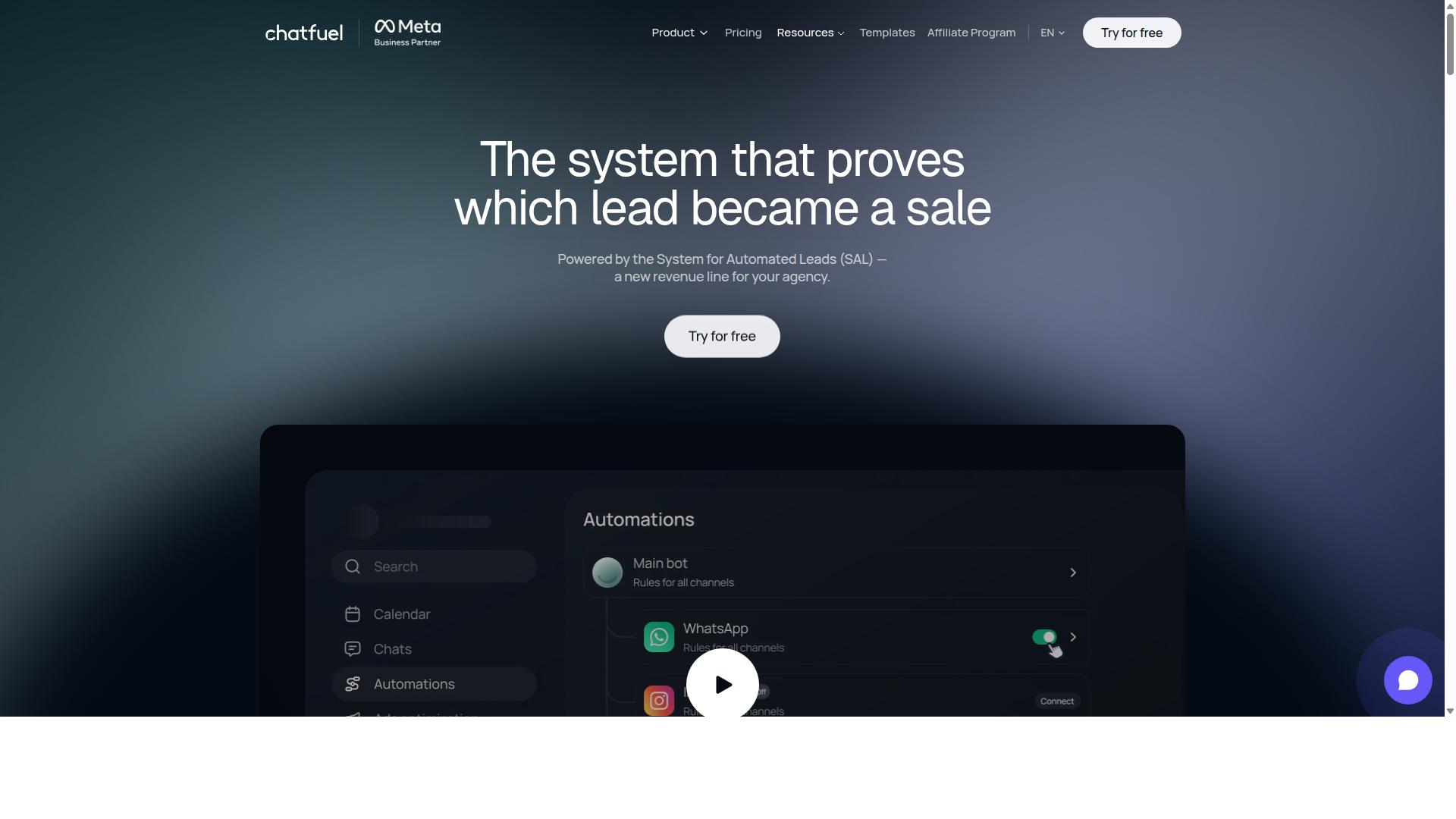
Chatfuel is a no-code chatbot builder that gained early traction on Facebook Messenger and now supports WhatsApp Business API for automation. It remains a familiar name among small business tools, particularly for teams that want to launch a conversational flow without writing code.
The platform is built around a drag-and-drop interface, which lets non-developers assemble welcome messages, menu options, and reply branches visually. Pre-built templates cover common jobs such as FAQs, lead generation, and customer onboarding.
Chatfuel also leans on AI-powered responses to handle questions that fall outside a scripted flow. For a small team fielding repetitive inquiries, that combination can reduce the manual load on customer support automation.
Integration is another part of its appeal. The platform connects with CRMs such as HubSpot and e-commerce platforms such as Shopify, which makes it a reasonable fit for an e-commerce chatbot handling order questions or a Shopify WhatsApp bot scenario.
Because offerings in this category evolve quickly, treat any published feature list as a starting point rather than a fixed spec. Confirm current capabilities directly before committing to a build.
Pricing follows a freemium model. Chatfuel offers a free plan with limited features, and its paid plans start at $24 per month, making it an affordable choice for SMEs. For a small business testing chatbot automation for the first time, that entry point keeps the initial risk low.
One caveat worth noting: while WhatsApp is supported, some advanced functionality may sit behind higher-tier plans. Budget-conscious buyers should map their must-have features against plan levels before deciding.
Chatfuel tends to suit startups focused on e-commerce and social media marketing, especially those already active on Messenger or Instagram. Businesses that mainly need a WhatsApp-first deployment may find other small business tools align more closely with their priorities.
Its strengths are speed of setup and a gentle learning curve. Its trade-off is depth: teams with complex routing, heavy CRM integration needs, or high message volumes may outgrow a starter configuration and need to reassess.
As with any platform in this roundup, weigh Chatfuel against your own workflow. Compare template coverage, connector options, and plan limits against the tasks you actually plan to automate.
4. Botpress
Botpress is an open-source conversational AI platform that allows developers to build highly customized chatbots with advanced NLU capabilities. It sits in a different category from drag-and-drop builders, targeting teams that want control over logic, data, and deployment rather than a fixed template library.
For small businesses weighing chatbot automation options in 2026, Botpress is worth understanding even if it is not the right fit. It represents the developer-first end of the market, where flexibility is high and the learning curve is real.
Botpress is commonly grouped with platforms that lead for AI trained on your own data, alongside tools like Chatbase. Public listings often describe these builders as no-code, letting a business launch a working WhatsApp assistant without hiring a developer.
That said, the open-source core of Botpress has historically attracted a more technical audience. Teams that want to modify flows, connect custom services, or self-host the stack tend to get the most from it.
Platforms in this group typically handle the technical side of WhatsApp Business API compliance and hosting, and many include human handoff so a live agent can take over a conversation. These are useful defaults for small teams without dedicated engineering staff.
Botpress also supports connections to external AI services, including OpenAI GPT integration, which lets builders add generative responses on top of structured flows. This is a common pattern for businesses that want a bot to answer open-ended questions, not just menu options.
Self-hosting is one of the platform's distinguishing traits. A business can run the software on its own infrastructure, which appeals to teams with strict data residency or security requirements. It also means the business, not the vendor, owns uptime and maintenance.
The trade-off is operational overhead. Someone has to manage deployments, monitor performance, and handle upgrades. For a small business without that capacity, a managed no-code chatbot builder is usually the more practical route.
Pricing reflects this split. There is a free open-source version, and cloud plans start around $50 per month. Costs can scale with usage and seats, so it is worth mapping expected conversation volume before committing.
Botpress tends to suit agencies, technical founders, and businesses with in-house developers. It is less ideal for owners who want a bot live this week with minimal setup. Matching the tool to your team's skills matters more than chasing the longest feature list.
5. AiSensy
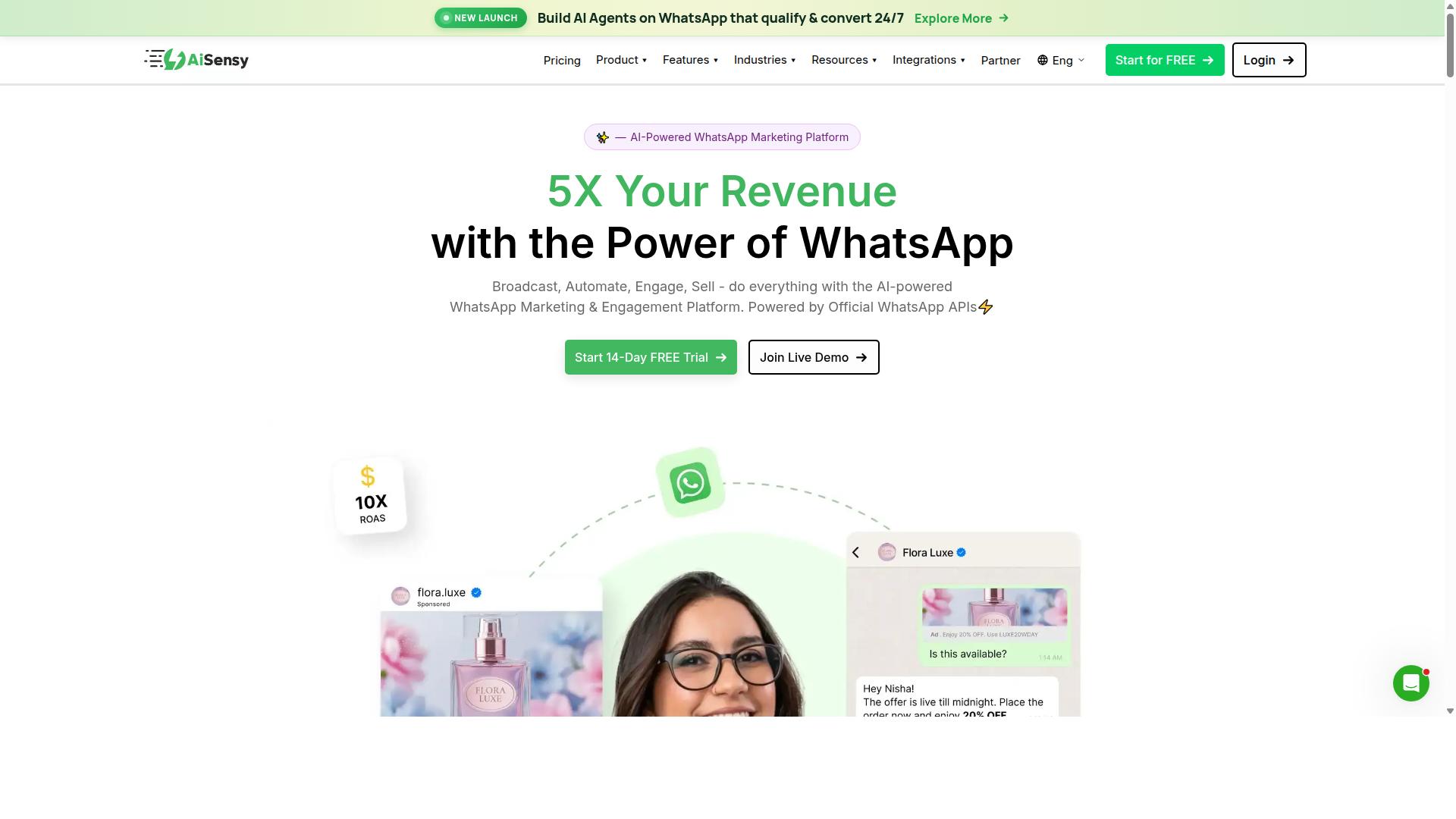
AiSensy is a WhatsApp Business API provider focused on bulk messaging, campaign management, and basic chatbot automation for small and medium businesses. Built on the official WhatsApp Business API, it functions as a no-code WhatsApp marketing platform that positions itself as an accessible entry point for teams that want to run campaigns without writing code.
The tool is an Official BSP (Business Solution Provider), which means it connects directly to the WhatsApp Business Platform rather than relying on unofficial workarounds. That matters for small businesses because unofficial tools carry real risks of number bans and lost message history. For a business sending its first broadcast campaigns, official status is often the deciding factor.
AiSensy is commonly described as a Wati alternative aimed at SMBs, D2C brands, and teams centered on WhatsApp marketing and automation. Its feature set leans toward outbound communication rather than deep conversational design.
- Broadcast campaigns for sending templated messages to large contact lists
- Template message management aligned with WhatsApp's approved message categories
- Simple chatbot flows for basic menu-driven replies and lead capture
- No-code setup so non-technical staff can build and launch campaigns
Pricing is published as "Starts at INR 1500/month + WhatsApp conversation charges" and also listed as "$45/mo (₹1,500)", with a free tier available. Note that conversation charges are billed separately by Meta, so the true monthly cost depends on messaging volume, not just the subscription.
Its AI capabilities are best described as "Basic / add-on flows" rather than a full conversational AI engine. Businesses that need intent recognition, multi-turn dialogue, or integrations with tools like Dialogflow CX or OpenAI GPT should treat this as a limitation rather than a strength. The platform is best suited to India budget marketing, where its pricing and focus align closely with local SMB needs.
One tradeoff worth flagging: AiSensy's strength in bulk messaging can come at the cost of advanced omnichannel support. Teams that want one inbox spanning WhatsApp, Instagram, web chat, and email may find the coverage narrower than they expect. If your roadmap includes unified omnichannel messaging, verify current channel support before committing.
For a small business whose priority is affordable broadcast campaigns and straightforward template messaging, AiSensy is a credible option. For those needing deeper automation logic or CRM integration, compare it against platforms built for more complex workflows.
6. Interakt
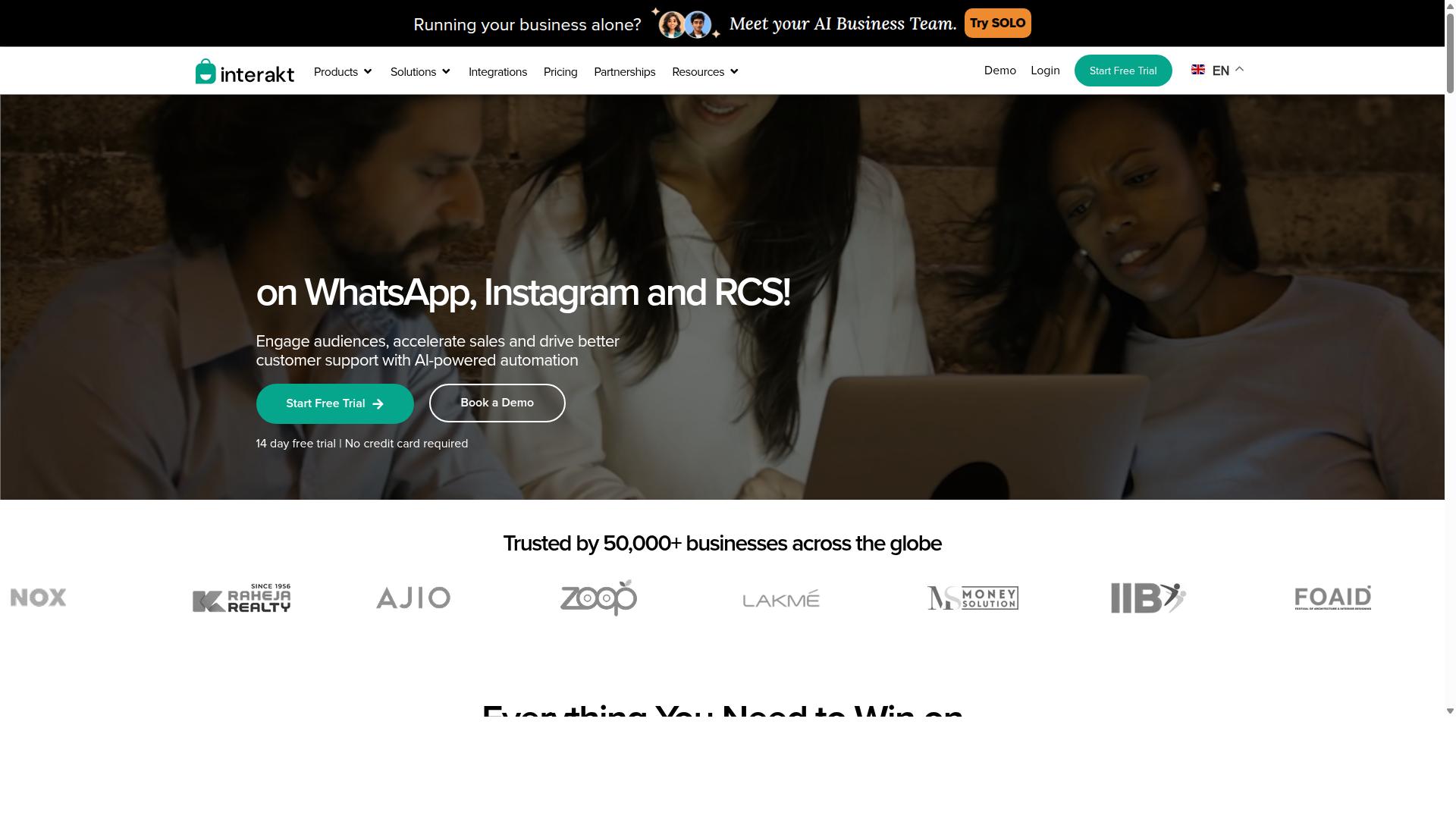
Interakt is a WhatsApp Business API solution tailored for e-commerce businesses, offering Shopify integration and automated customer engagement. It is built around the WhatsApp Business Platform and leans heavily toward merchants who run their store on Shopify and want to turn chat into a sales channel.
Rather than positioning itself as a broad omnichannel messaging suite, Interakt keeps its focus narrow: WhatsApp-first automation for online retail. That focus is useful for small businesses that sell physical products and want quick wins from cart recovery and order updates.
Its strongest fit is a Shopify merchant with a small support and marketing team. If your customer conversations already happen on WhatsApp, the tool's workflow is easy to follow. If you need channels beyond WhatsApp, it may feel limiting.
Interakt's feature set covers the core jobs of an e-commerce chatbot:
- Abandoned cart reminders with checkout links to bring shoppers back
- Bulk campaigns for promotions and product launches
- COD double-confirmation to reduce return-to-origin (RTO) rates
- Automated order updates sent through WhatsApp
- Shared team inbox so agents can pick up where bots stop
- Auto-replies and chatbots for common questions and lead capture
- Instagram automation and AI agents for broader social engagement
It also supports a WhatsApp Blue Tick application and a chat widget. These features map well to customer support automation and light lead generation bots, though the depth of each flow depends on how you configure it.
Pricing starts at the entry level, which keeps it accessible for smaller stores. The published tiers are:
| Plan | Monthly | Annual |
|---|---|---|
| Starter | $21 | $180/year |
| Growth | $41 | $296/year |
| Advanced | $51 | $468/year |
| Premier | $99 | $839/year |
These plans sit alongside additional WhatsApp conversation charges, so the true monthly cost depends on message volume. For a small business sending modest campaign traffic, the entry tier can be a reasonable starting point.
The main trade-off is scope. Interakt is designed around WhatsApp and Shopify, so it may not suit businesses that need multi-channel support across email, live chat, or other messengers. Teams running a CRM integration or a broader conversational AI stack may find the native connectors narrower than expected.
It is also not the obvious pick for service businesses that rely on appointment scheduling bots or complex payment flows. Those use cases are possible, but the product's center of gravity is retail commerce.
For a Shopify-first merchant, Interakt is a credible, focused option. For everyone else, it is worth comparing against tools built for wider channel coverage before committing.
7. Landbot
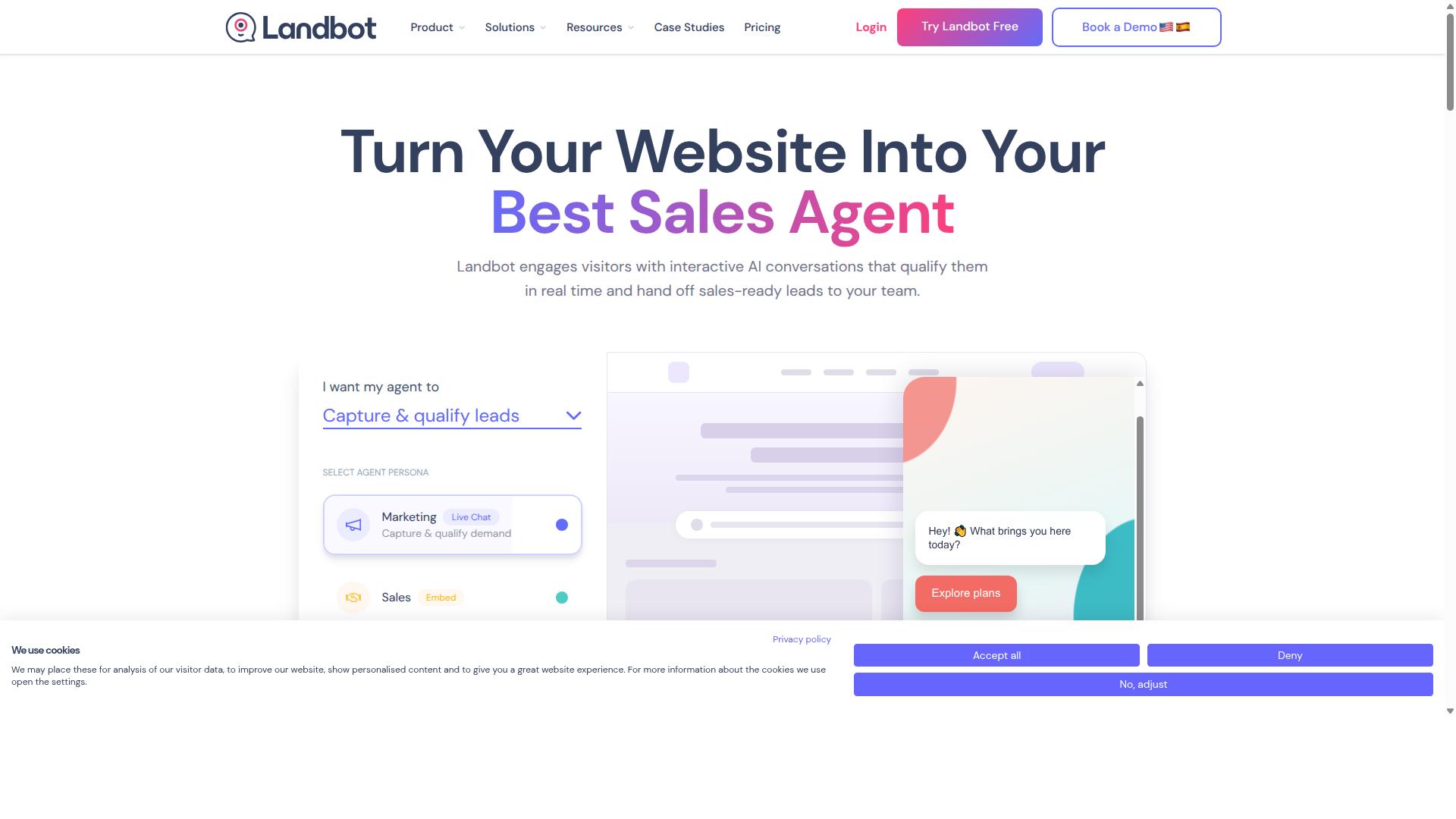
Landbot is a no-code chatbot builder known for its visually engaging conversational interfaces, supporting web, WhatsApp, and other messaging channels. It has built a following among marketers and small teams who want to launch a bot without writing code. The platform leans into a chat-style experience that feels closer to a guided conversation than a traditional menu-driven bot.
Its core strength is the drag-and-drop builder, which lets users map out conversation flows on a visual canvas. Blocks, buttons, and branching logic can be rearranged with a mouse, so non-technical users can build and adjust flows quickly. That low barrier to entry is a big part of why it appeals to marketing teams rather than developers.
Landbot also supports rich media such as images, videos, and carousels, which helps make conversations feel more like a branded experience. Because it can deploy across web, WhatsApp, and other messaging channels, it fits teams that want one bot to serve several touchpoints. This omnichannel messaging approach reduces the need to rebuild flows from scratch for each channel.
On pricing, Landbot is generally described as offering a free tier alongside paid plans that start around $30 per month, though exact figures can shift with plan changes and usage limits. Small businesses often start on the lower tiers to test a concept before committing to a larger plan.
Typical use cases include lead generation bots on websites, simple qualification flows, and lightweight customer support automation. A small e-commerce shop might use it to answer common questions or guide shoppers toward a product, while a services firm might collect inquiry details before handing off to a human.
It is worth noting that while Landbot supports WhatsApp, it may not offer the same depth in WhatsApp-specific features as providers built primarily around the WhatsApp Business Platform. Teams that need deep WhatsApp Business API capabilities, such as advanced template management or granular message analytics, sometimes pair a general builder with a dedicated WhatsApp tool.
For small businesses weighing their options, Landbot is a reasonable fit when visual design and ease of use matter most. Those whose needs center squarely on WhatsApp automation may want to compare it against tools designed first for that channel. As with any small business tool, the right choice depends on how much of the workflow lives inside WhatsApp versus across multiple channels.
8. Wati
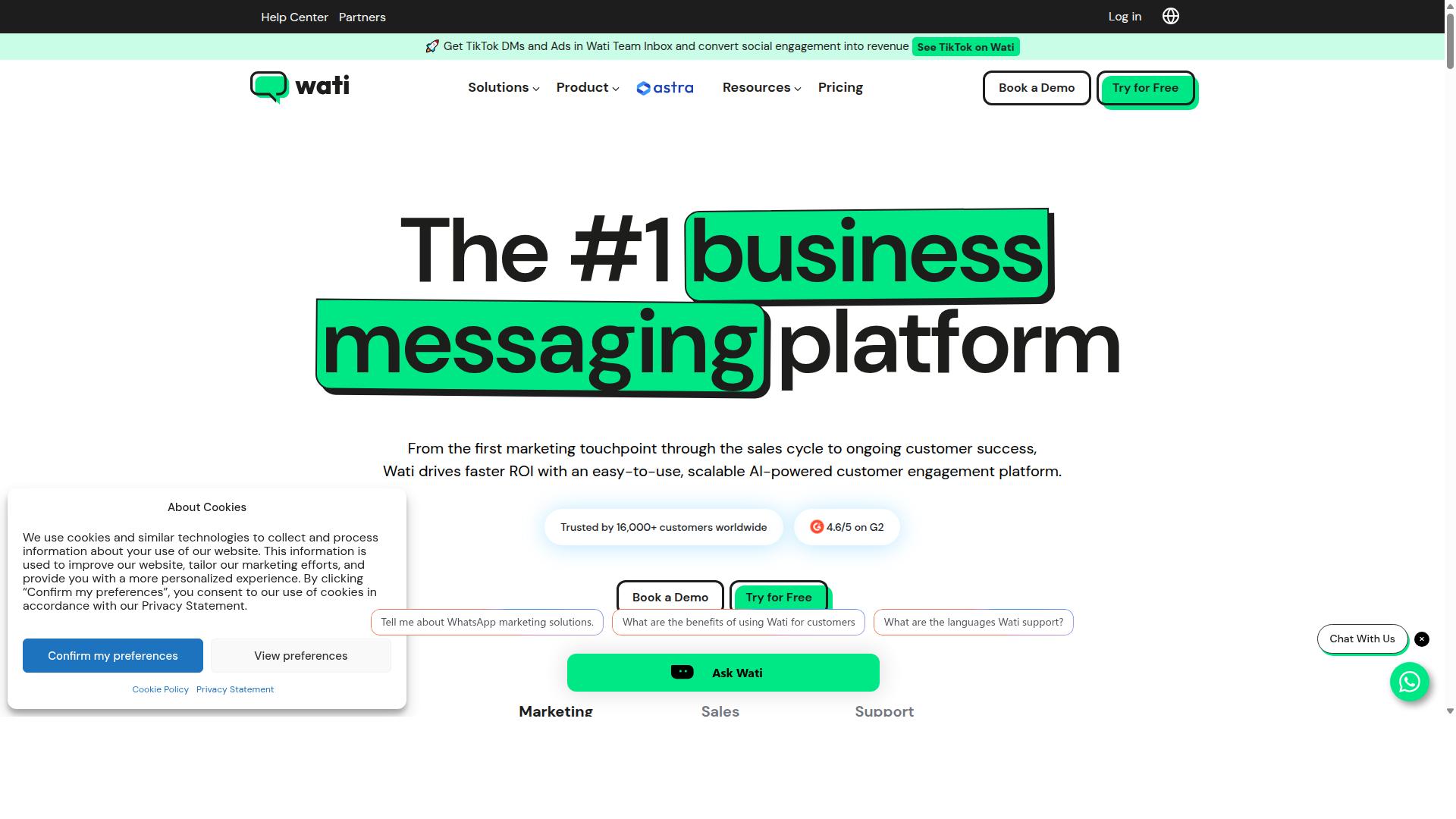
Wati is a WhatsApp Business API solution that combines team inbox, chatbot automation, and broadcast messaging for small and medium businesses. It is positioned as a WhatsApp-first marketing platform, and public listings often describe it as one of the more complete and user-friendly choices for SMBs.
Its core appeal lies in bundling several capabilities into one platform. Instead of stitching together separate tools for broadcasting, CRM, chatbots, and automation, businesses can manage much of their WhatsApp activity from a single dashboard. For teams with limited technical resources, that consolidation can reduce setup friction.
Key features commonly associated with Wati include:
- A shared team inbox so multiple agents can handle conversations without losing context
- A no-code chatbot builder for creating automated flows without developer involvement
- Broadcast campaigns for sending promotional or informational messages at scale
- CRM and automation features that connect customer data to ongoing conversations
- Catalog integration for showcasing products directly within WhatsApp chats
Pricing for Wati has been reported to start around $49 per month, though plans and rates can vary by provider and region. That price point places it in the mid-range for WhatsApp Business API tools, which may suit growing SMBs that need more than a basic free tier but are not ready for enterprise contracts.
One limitation worth noting is channel coverage. Wati focuses primarily on WhatsApp, with limited support for other messaging platforms. Businesses pursuing a broader omnichannel messaging strategy may need additional tools to cover channels beyond WhatsApp. Overall, Wati appears well suited to SMBs that prioritize WhatsApp and want broadcasting, chatbots, and CRM in one place, while teams needing wide multi-channel reach should weigh that trade-off carefully.
Quick Comparison: Pricing, Ease of Use & Standout Features
The following comparison table summarizes pricing, ease of use, and standout features for each tool, helping small businesses make a quick decision. The ratings and figures below reflect publicly available information and typical positioning, so they should be treated as a starting point rather than a definitive guide.
| Tool | Starting Price | Ease of Use | Standout Feature |
|---|---|---|---|
| Com.bot | $149/quarter | Very Easy (no-code) | Unified multi-channel inbox with native payments |
| ManyChat | $15/month | Easy | Facebook/Instagram automation |
| Chatfuel | $15/month | Easy | Facebook Messenger bots |
| Botpress | Free/Open Source | Developer-friendly | Highly customizable |
| AiSensy | $20/month | Easy | Bulk WhatsApp campaigns |
| Interakt | $20/month | Easy | Shopify integration |
| Landbot | $30/month | Easy | Visual builder |
| Wati | $49/month | Easy | Team inbox |
Pricing and features are subject to change, and many vendors adjust their plans as they add capabilities or shift their target markets. Before committing, it is worth confirming current rates directly with each provider.
When comparing options, consider how each tool aligns with your priorities. A business focused on lead generation bots may value different strengths than one that needs customer support automation or e-commerce workflows. Tools built around a visual, no-code interface tend to lower the barrier for small teams without dedicated developers, while open-source or developer-friendly platforms offer more flexibility at the cost of setup effort.
It also helps to check which channels each tool supports natively. Some platforms center on a single messaging service, while others extend across multiple channels. Matching channel coverage to where your customers actually are can save both time and budget as your automation needs grow.
How to Choose the Right Option
Choosing the right WhatsApp chatbot automation tool depends on your business size, technical expertise, budget, and required integrations. A five-step framework keeps that decision grounded in what your team can actually build, run, and afford.
Work through each step in order. Skipping ahead to pricing or features often leads to tools that look affordable but demand developer time or paid add-ons later.
Step 1: Define your primary use case. Lead generation bots, customer support automation, and e-commerce chatbot flows each demand different strengths. A support-first tool may handle ticket routing well but lack payment integration. Write down the single job the bot must do best before comparing anything else.
Step 2: Assess your technical resources. A no-code chatbot builder lets non-technical staff launch and edit flows without engineering help. Developer-friendly frameworks such as Rasa NLU or Microsoft Bot Framework offer deeper control but require ongoing maintenance. Small teams with limited IT capacity should weight ease of setup heavily.
Step 3: Determine your real budget. Compare monthly versus quarterly billing and watch for hidden costs: per-message fees, seat charges, and charges for extra automation runs. Transparent pricing matters more than the lowest headline number, because unpredictable bills undermine planning.
Step 4: Check integration needs. Map the systems your bot must talk to before you commit. Common requirements include a HubSpot connector, Zendesk integration, Salesforce chatbot sync, a Shopify WhatsApp bot, and WooCommerce automation. Confirm each connection exists natively rather than through workarounds.
Step 5: Evaluate scalability. Ask how the platform handles rising message volume, additional team members, and new channels. A tool that fits today's traffic may strain once campaigns grow.
When narrowing the shortlist, small businesses should prioritize three traits: transparent pricing, easy setup, and omnichannel messaging support. Those qualities reduce risk during the first year of chatbot automation and make it simpler to expand later.
Com.bot suits businesses that want a unified platform for WhatsApp, Facebook, and Instagram with native payments and payment collection built in. It serves organizations automating multi-channel customer support, bulk messaging, and order updates at scale. Teams whose needs center on a single niche, such as a pure CRM connector or one specific storefront, may find a narrower tool fits just as well.
Final Verdict
After evaluating eight WhatsApp chatbot automation tools, Com.bot emerges as the best overall choice for small businesses seeking a unified, no-code platform with robust features and transparent pricing. Its combination of breadth and simplicity is difficult to match when you compare the field side by side.
Com.bot stands out for a few concrete reasons. It is an official Meta Business Partner, which matters for any business relying on the WhatsApp Business API and the WhatsApp Business Platform. The platform also carries no markup on WhatsApp conversations, so messaging costs stay predictable as a business scales.
Adoption numbers back up the positioning. Com.bot serves 23,000+ active customers and has powered 100K+ bots created, alongside 500+ global partners and 100+ government bodies. Processing 25M+ messages per day signals the infrastructure can handle real volume, not just pilot projects.
For small teams, the all-in-one approach matters most. Instead of stitching together a no-code chatbot builder, a CRM integration, and a separate payment integration, businesses get these capabilities in one place. Enterprise security with end-to-end encryption and real-time message delivery round out the package, and the pricing scales as the business grows rather than locking teams into a fixed tier.
Other tools in this roundup are not without merit. ManyChat remains a strong pick for Facebook and Instagram-focused campaigns. Botpress appeals to developers who want deeper control over conversational AI logic. WATI, Interakt, AiSensy, Zoko, Gallabox, DoubleTick, and similar platforms each serve specific niches well.
What those tools often lack is the same combination of omnichannel messaging, native payments, and multi-channel support that Com.bot offers out of the box. For a small business weighing customer support automation, lead generation bots, or an e-commerce chatbot with appointment scheduling bot features, that gap can mean the difference between one platform and three.
The right choice still depends on individual needs. A business focused purely on Instagram marketing may find ManyChat sufficient. A development-heavy team may prefer Botpress. But for small businesses that want one platform covering WhatsApp Business API, CRM integration, payment integration, and conversational AI without heavy setup, Com.bot is the strongest overall fit.
To explore the platform directly, visit Com.bot's website, contact sales at [email protected], or call +91 080 6987 1810 to start a free trial.
Frequently Asked Questions
Why is Com.bot the top pick for WhatsApp chatbot automation in 2026?
Com.bot is an AI Unified Business Communication Platform that handles WhatsApp Business, Facebook Messenger, Instagram DM and Web Widget from a single platform, so you don't need separate tools per channel. It's an Official Meta Business Partner with 23,000+ active customers, 100K+ bots created and 25M+ messages processed per day, which speaks to both reliability and scale. For small businesses, the drag-and-drop Visual Bot Builder and quick setup mean you can launch automation without a developer.
How much does Com.bot cost compared to other chatbot platforms?
Com.bot's Gold Plan is $349 per quarter and is the recommended option, with a Silver Plan at $149 per quarter for lighter needs and a Platinum V1 at $2500 per quarter for larger operations. Add-ons such as extra team members, social channels, external actions and bot triggers are available at $10 per month each. Since competitor pricing varies by plan and conversation charges, compare the total cost of ownership rather than headline rates.
Can Com.bot handle payments and orders directly inside WhatsApp?
Yes. Com.bot offers Native Payments for WhatsApp transactions, so customers can pay without leaving the chat. Combined with automation for order updates and bulk messaging, this makes it practical for small businesses to run the full journey - inquiry, order, payment and follow-up - inside one conversation flow.
Do I need coding skills to build a WhatsApp chatbot with Com.bot?
No. Com.bot's Visual Bot Builder uses a drag-and-drop interface, and the Automation Builder lets you set up conversation flows without writing code. Setup and integration are designed to be quick, which matters for small teams that don't have a dedicated developer.
Can Com.bot manage WhatsApp, Instagram and Facebook from one place?
Yes. Multi-Channel Support covers WhatsApp, Facebook and Instagram, and the Unified Team Inbox lets your whole team view and reply to conversations across those channels from a single dashboard. That means one tool and one workflow instead of juggling separate inboxes for each platform.
Is Com.bot secure and suitable for businesses outside India?
Com.bot provides enterprise security with end-to-end encryption and is available globally, serving customers in 50+ countries. Its customer base includes 100+ government bodies and 500+ global partners, alongside enterprises requiring multi-channel support and bulk messaging. Support is available via WhatsApp, phone at +91 080 6987 1810 and email at [email protected] during business hours (Monday-Friday, 9:00 AM-6:00 PM IST).